

Troubleshooting
3D Print Layer Shift: Causes, Fixes and Belt Checks
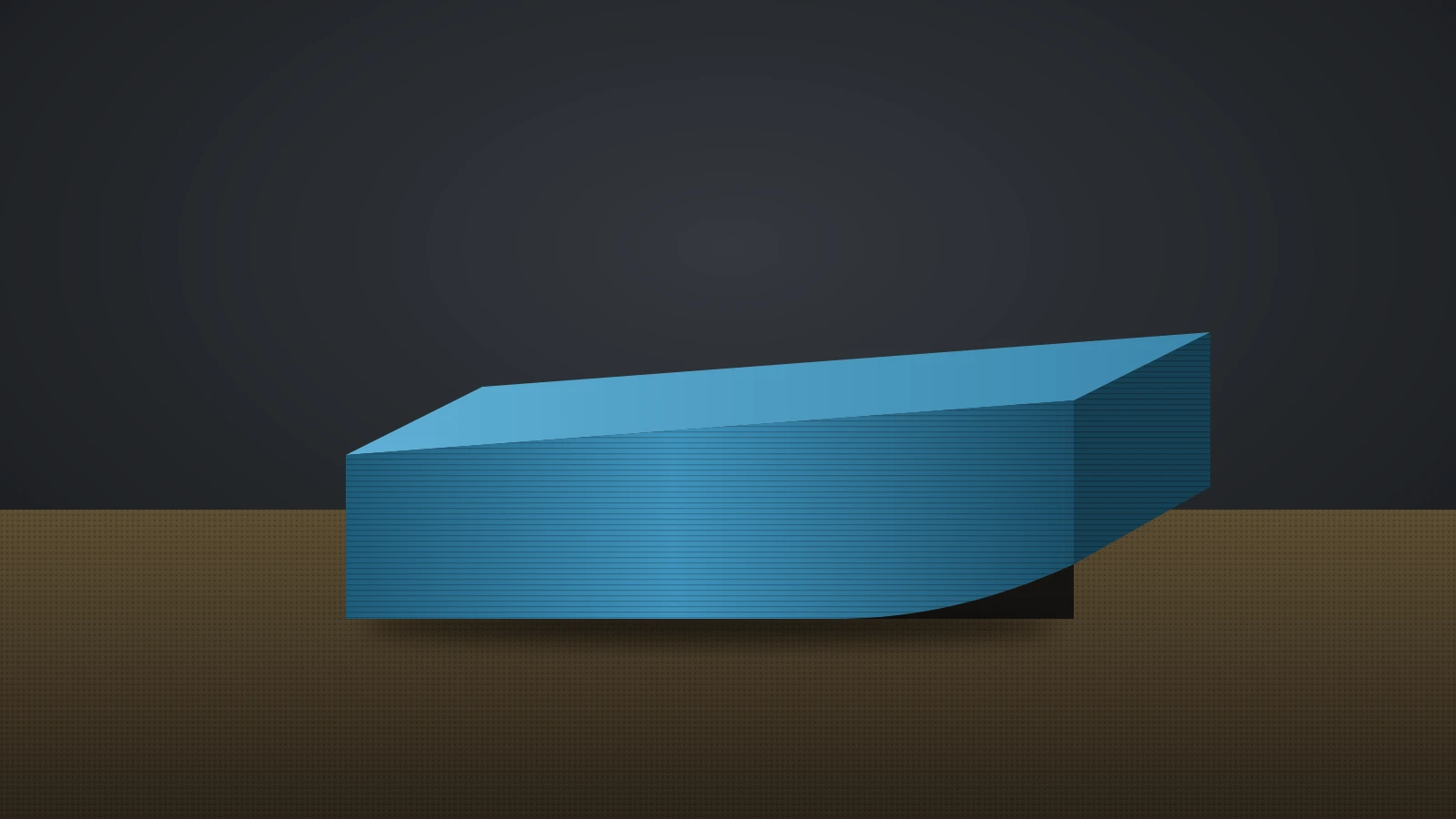
A 3D print layer shift means the X or Y axis lost its position mid-print. Find the cause, from loose belts and pulleys to speed and collisions, and fix it.
Why 3D prints fail and how to fix them: stringing, warping, first layer problems, under-extrusion, clogged nozzles, layer shifts and more.
A 3D print layer shift means the X or Y axis lost its position mid-print. Find the cause, from loose belts and pulleys to speed and collisions, and fix it.
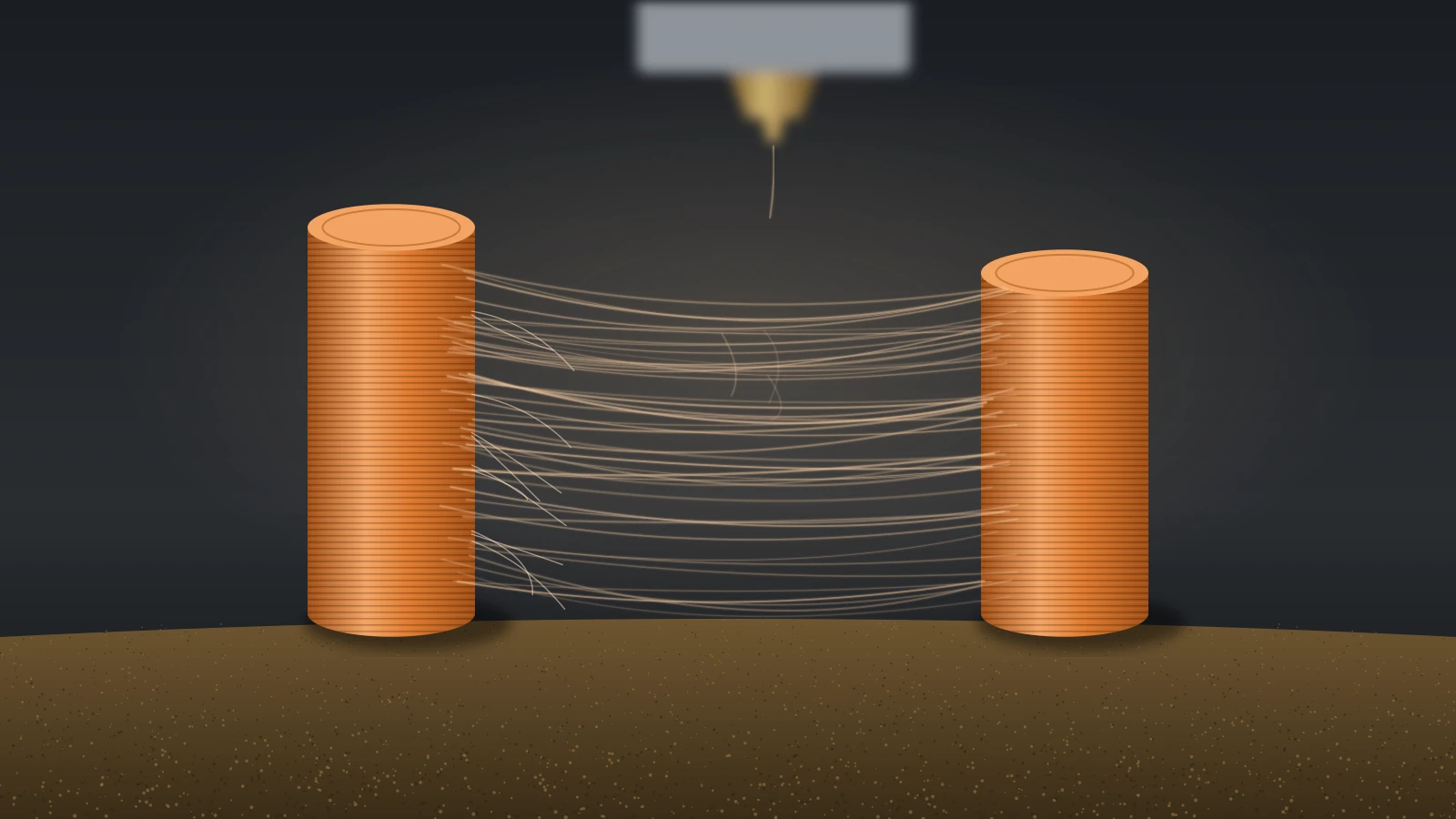
3D print stringing comes from plastic oozing during travel moves. Fix it in order: dry the filament, lower the nozzle temperature, then tune retraction.
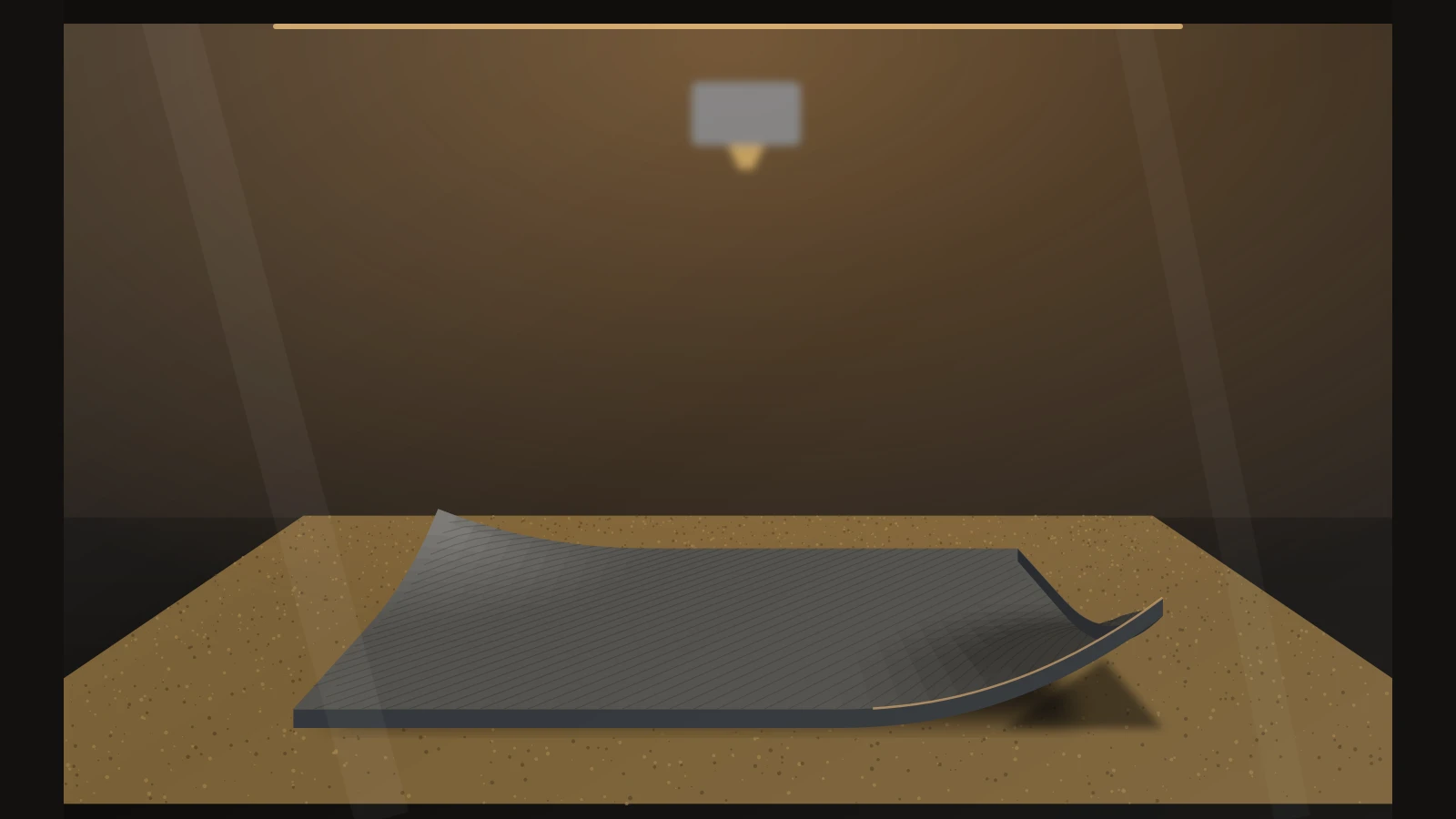
3D print warping happens when cooling plastic shrinks and pulls corners off the bed. Stop it with steady heat, no drafts, a brim, an enclosure and smart design.
3D print not sticking to the bed? Fix it in order: clean the plate, set the nozzle height, match bed heat and surface to the filament, then add glue.
Input shaping in 3D printing cancels the frame vibrations behind ghosting. Learn the causes, shaper types, Klipper and Marlin setup and fixes without firmware.
Over extrusion in 3D printing shows as blobs, ridges, rough top layers and oversized parts. Find the cause, from flow ratio to filament diameter, and fix it.
3D printing under extrusion leaves gaps, thin walls and missing layers. See what it looks like, which causes to check in order and how to fix each one.
Fix a clogged 3D printer nozzle in the right order: read the signs, push filament through hot, do a cold pull with Prusa and Bambu Lab temps, then swap it.
Fix 3D printing first layer problems: match each symptom to its cause, set the Z offset on Bambu Lab, Prusa, Marlin or Klipper, and tune first layer settings.