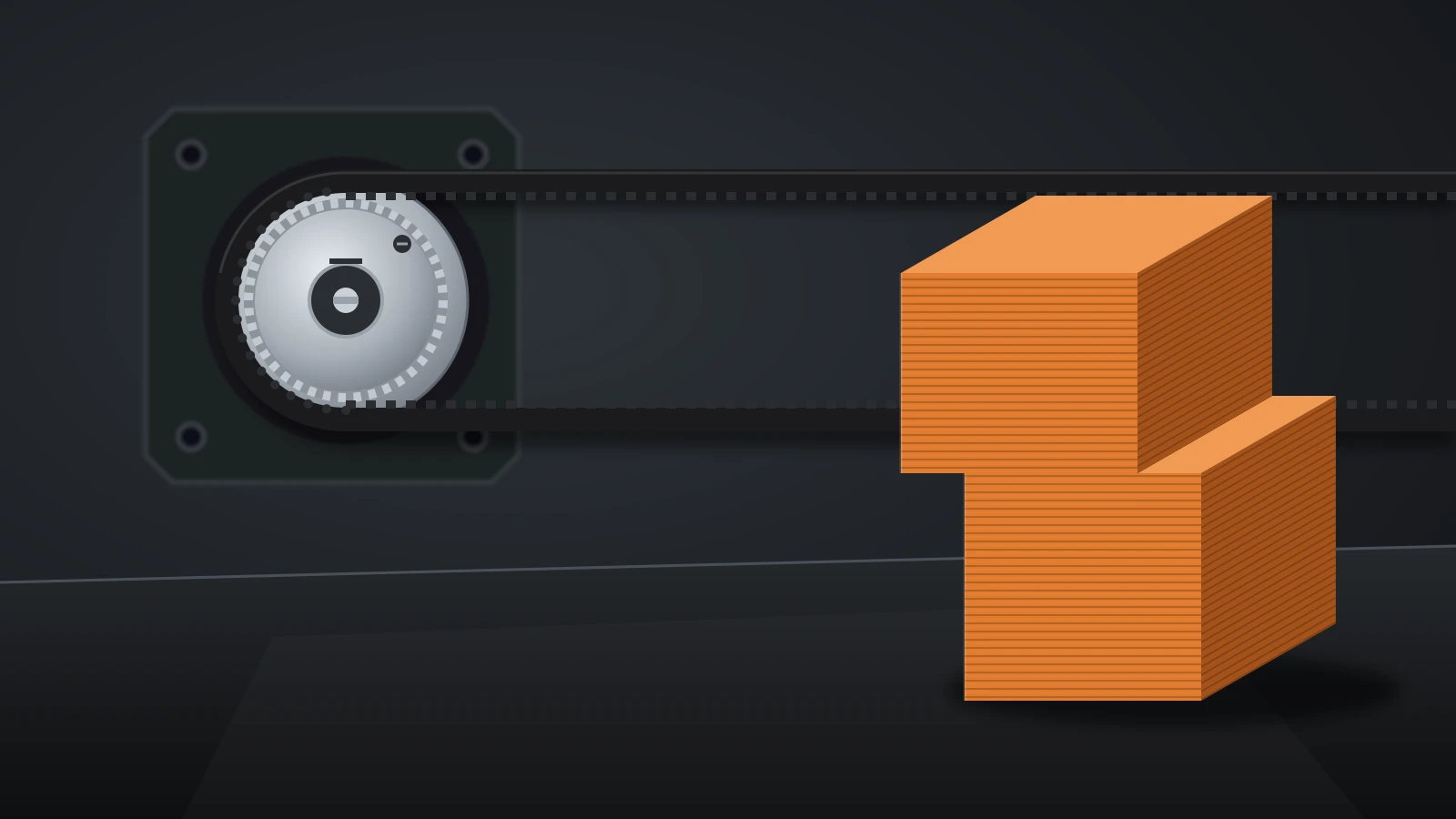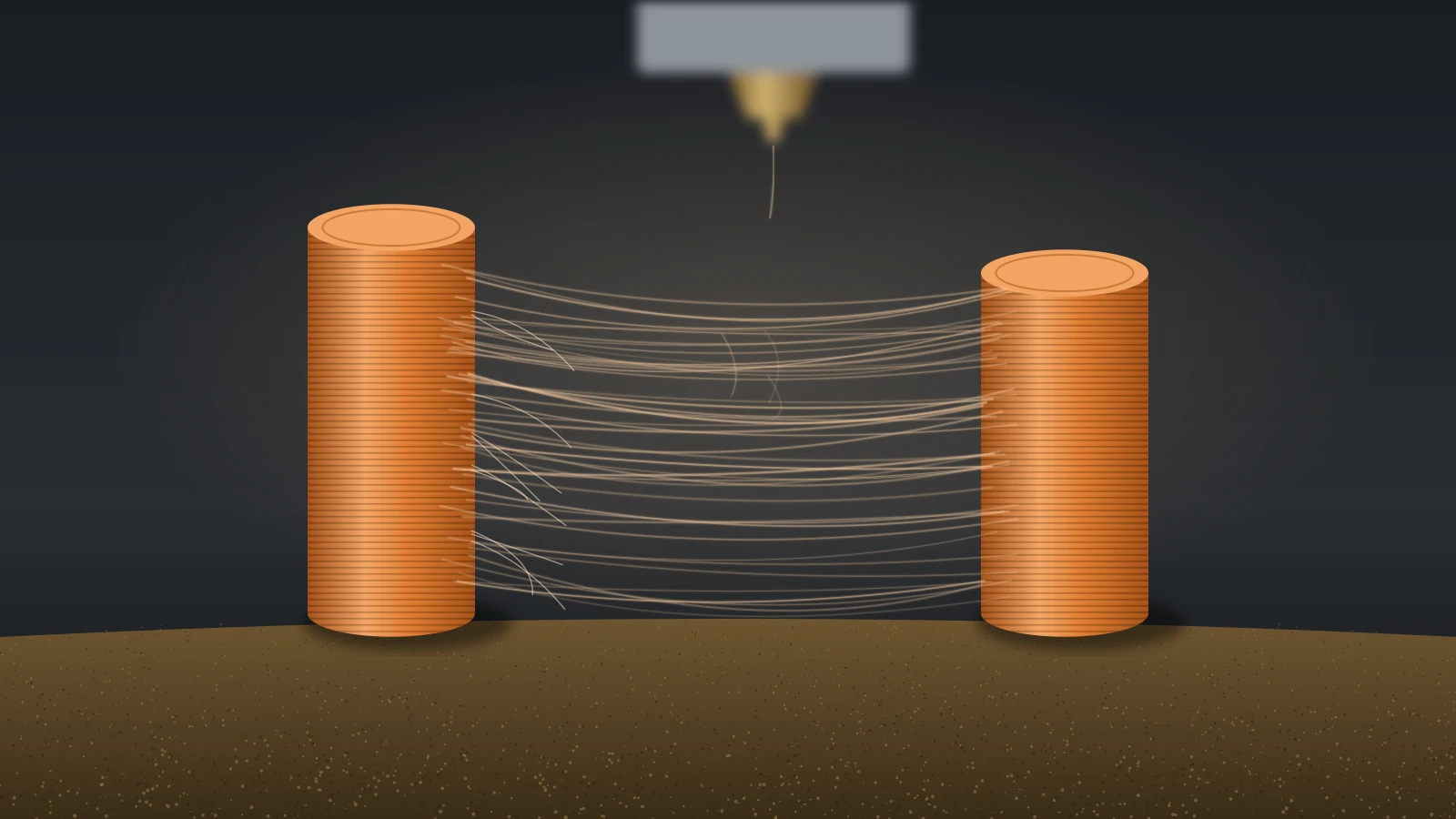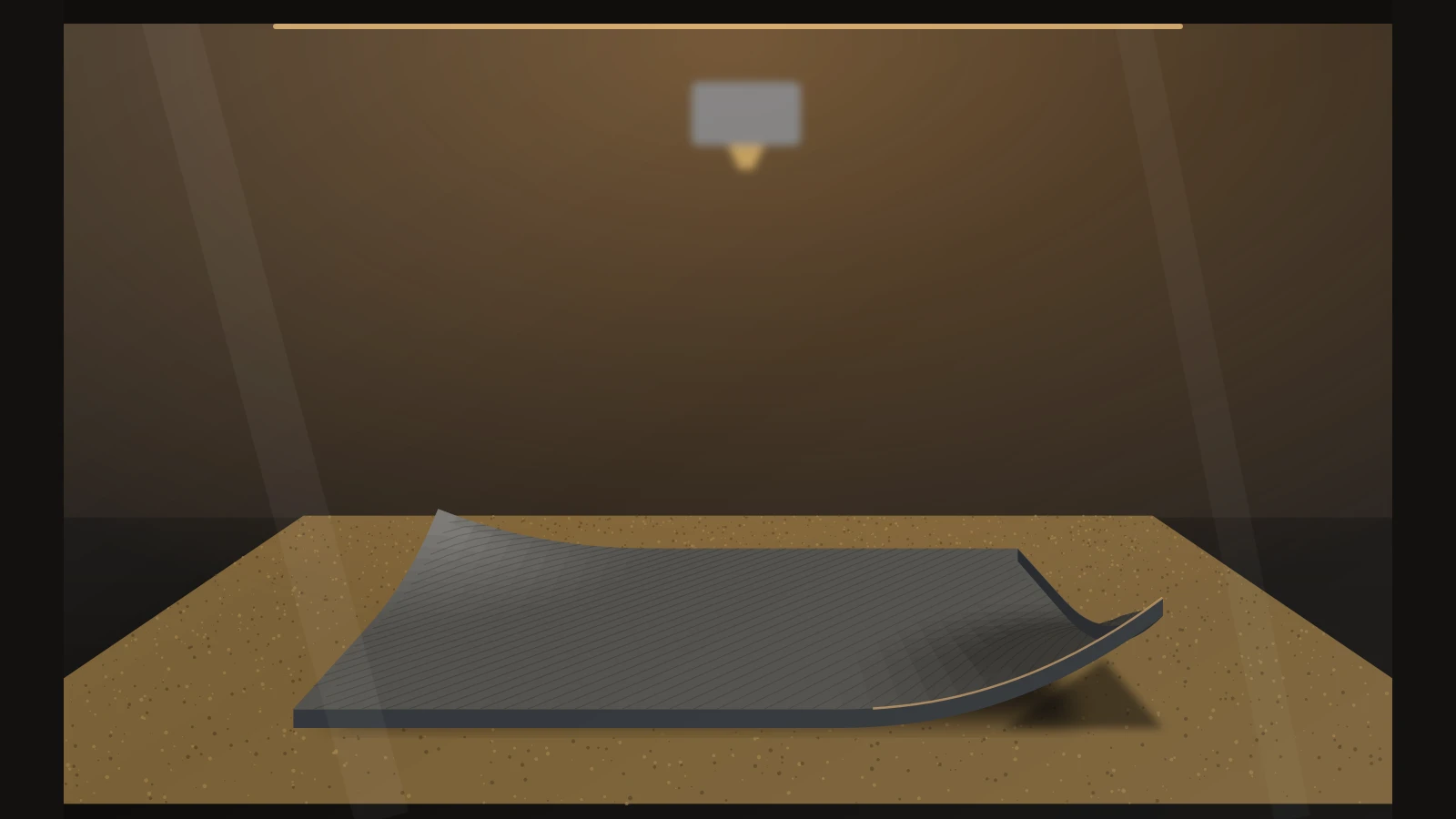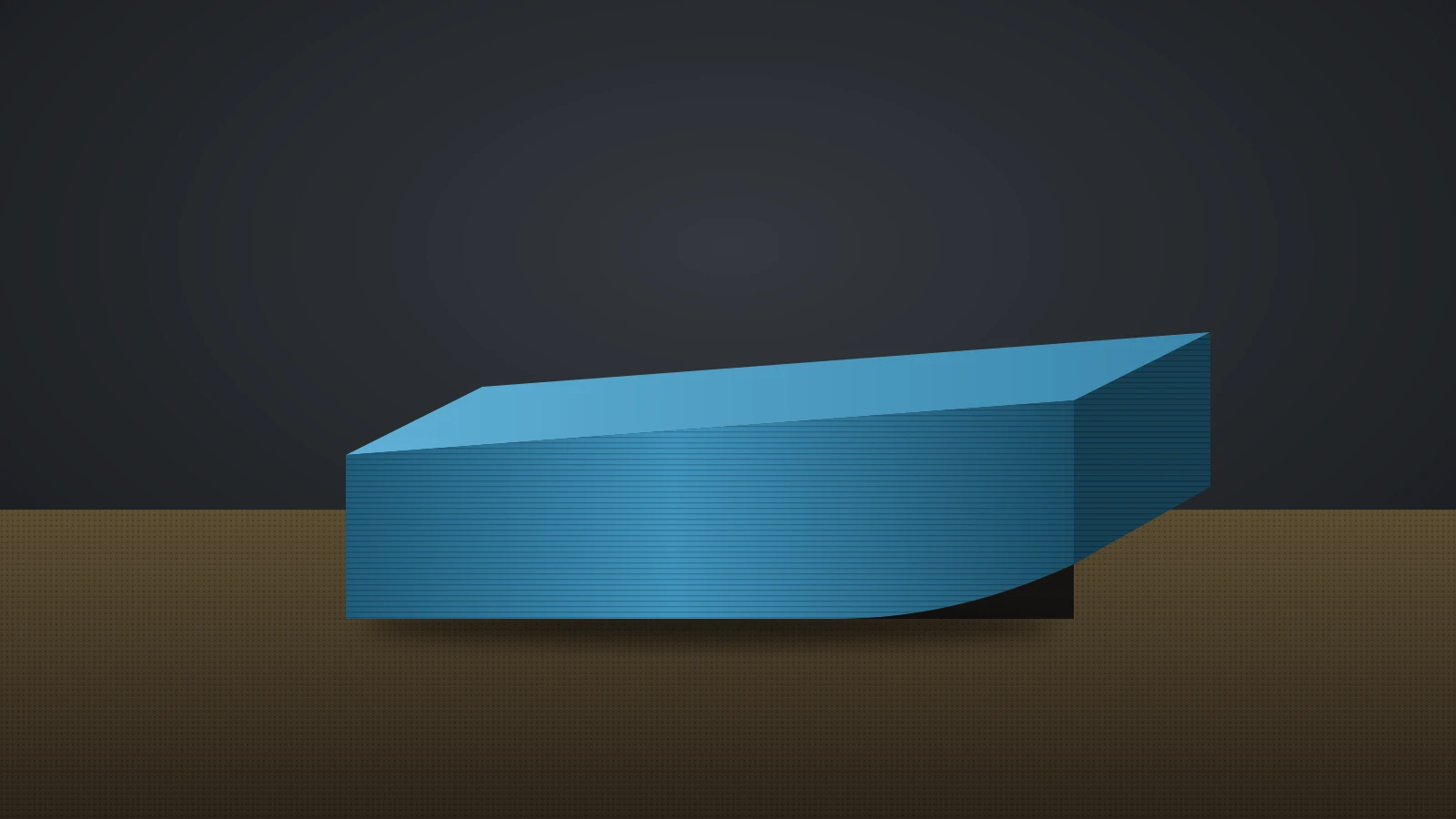
A 3D print not sticking to the bed almost always comes down to one of five causes: an oily build plate, a nozzle set too high, a bed too cool for the filament, the wrong surface for the material, or a part that warps and pulls itself loose. Check them in that order and change one thing at a time.
If the first layer itself looks wrong, with gaps between lines or ridges, our guide to 3D printing first layer problems shows how to read it. If the lines look fine but the part still lets go, the cause is grip or warping, not the first-layer settings themselves.
The short answer
Work through these fixes in order, testing after each one:
- Clean the plate with dish soap and water, or about 90% isopropyl alcohol (IPA), and stop touching the print area.
- Check nozzle height and leveling: first lines should be slightly flattened and touching.
- Set the bed temperature for your filament and plate, raising it 5–10 °C if the material still lifts.
- Slow the first layer and make it a little thicker and wider.
- Turn the part cooling fan down for the first three layers.
- Match the surface to the filament (table below).
- Add a thin layer of glue stick where the maker calls for it.
- Add a brim or mouse ears for small footprints and sharp corners.
- Stop drafts and use an enclosure for ABS, ASA and nylon.
Why won’t my 3D print stick to the bed?
A 3D print won’t stick to the bed when the plastic cannot grip the surface during the first layer or when shrinking forces later pull it loose. When and where it fails tells you which:
| What you see | Likely cause | Go to step |
|---|---|---|
| Nothing sticks; lines drag behind the nozzle | Dirty plate, nozzle too high, bed too cool | 1, 2, 3 |
| Sticks in some areas but not others | Oily patches or an uneven bed | 1, 2 |
| Bubbling, popping, rough first layer | Wet filament | Dry the spool |
| Small parts or thin features come loose | Too little contact area, first layer too fast | 4, 8 |
| Corners lift after a few layers | Warping: cooling too fast, drafts | 5, 8, 9 |
| Whole part pops off mid-print | Warping stress on a large or tall part | 3, 8, 9 |
| Part will not come off, plate gets damaged | Too much adhesion (often PETG or TPU on smooth PEI) | See the PETG section |
Wet filament gets its own fix: dry the spool in a filament dryer rather than changing adhesion settings.
How to fix a 3D print not sticking to the bed, step by step
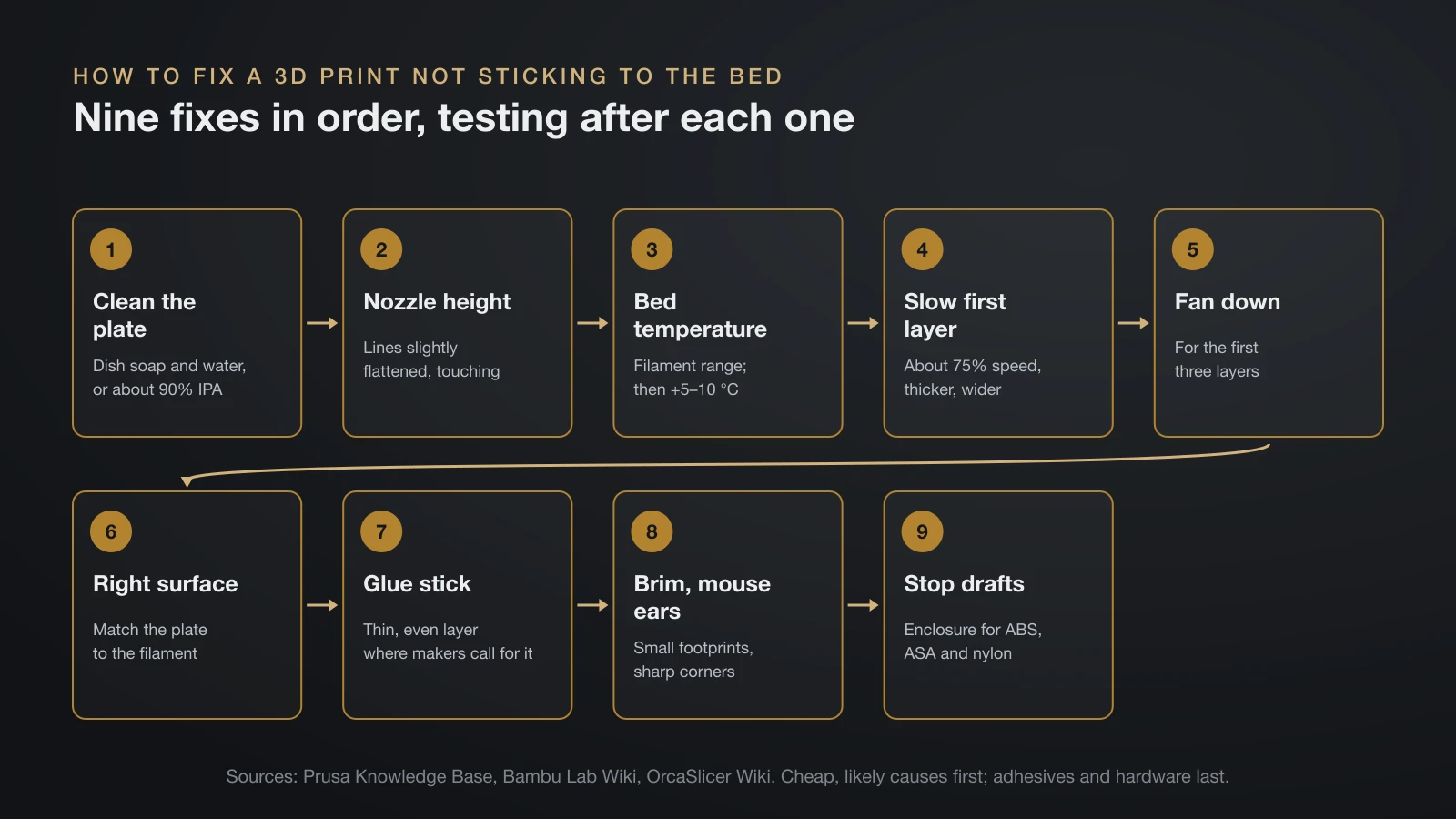
Fixing a 3D print that will not stick to the bed is mostly a matter of order: cheap, likely causes first, adhesives and hardware last.
1. Clean the build plate
Skin oil, dust and old glue all cause patchy adhesion. Bambu Lab cleans its plates with dish soap and hot water and warns against acetone on them. Prusa uses about 90% IPA for routine wipes and warns that cosmetic alcohol may contain oils; it suggests a dish soap wash when adhesion drops even after IPA. Surface-by-surface instructions are in our guide on how to clean a 3D printer bed.
2. Set the nozzle height and level the bed
A nozzle that sits too high lays round beads that never bond, so set the Z offset until the first lines are slightly flattened and touching. Rerun leveling after moving the printer or changing plates; our guide to 3D printer bed leveling walks through it. Prusa warns against lowering the nozzle further to make up for poor adhesion: too low can damage the sheet and cause vibrations, so clean the plate first.
3. Match the bed temperature to the filament
Start from the bed range for your filament and plate, then go up in small steps. Prusa’s advice for materials that don’t stick well is to raise the bed 5–10 °C. Stay inside the spool’s range, because too much bed heat brings its own first-layer flaws and, in enclosed printers, can soften PLA in the extruder; Bambu Lab recommends opening the door when the bed runs above 45 °C with PLA.
4. Slow down and thicken the first layer
A slower first layer gives the plastic more time to bond. Prusa suggests about 75% speed for the first three layers when other steps fail. For adhesion trouble on its cool plate, Bambu Lab suggests a 0.25 mm first layer with a 0.5 mm line width.
5. Turn the cooling fan down for the first layers
Strong cooling shrinks the first lines before they grip. Bambu Lab suggests starting its secondary cooling fan only after the first three layers when PLA won’t stick, and Prusa prints the first few PETG layers with the fan off. Keep the fan on afterward for PLA and PETG, since Prusa ties corner lifting on those materials to a fan that is off or blocked.
6. Use the right surface for the filament
Not every surface suits every filament: PETG can bond too hard to smooth PEI, while ABS and nylon need glue on most plates. The next section matches each filament to each surface; our 3D printer build plate guide compares the surfaces themselves.
7. Add glue stick
A thin, even layer of glue stick improves grip and also works as a release layer. Bambu Lab recommends glue because it improves adhesion, makes prints easier to remove and protects the plate. Prusa says glue stick is not needed for PLA but advisable for nylon, PETG, PC, ABS, ASA and flexible materials, and it warns never to put superglue on the sheet.
Prusa describes glue stick as PVA based, the same polymer as water-soluble PVA filament; for glue that joins printed parts, see our guide to glue for PLA.
8. Add a brim or mouse ears
A brim adds extra lines around the part on the first layer, and Prusa suggests trying it before adding any adhesive. For one stubborn corner, Prusa adds a tiny cylinder a few layers tall at that spot. OrcaSlicer builds the same idea in as mouse ears, small local brims at corners and sharp features; it notes that a larger gap between brim and part eases removal but reduces adhesion.
9. Block drafts and enclose warping materials
Moving air cools one side of a print faster than the other. Prusa says an open window or an air conditioner near the printer increases warping, and it recommends an enclosure for high-temperature materials but not for PLA or PETG, which need strong cooling. Bambu Lab likewise recommends an enclosed printer for ABS, ASA, PC and nylon; our guide to enclosed 3D printers covers the options.
Which bed surface for which filament?
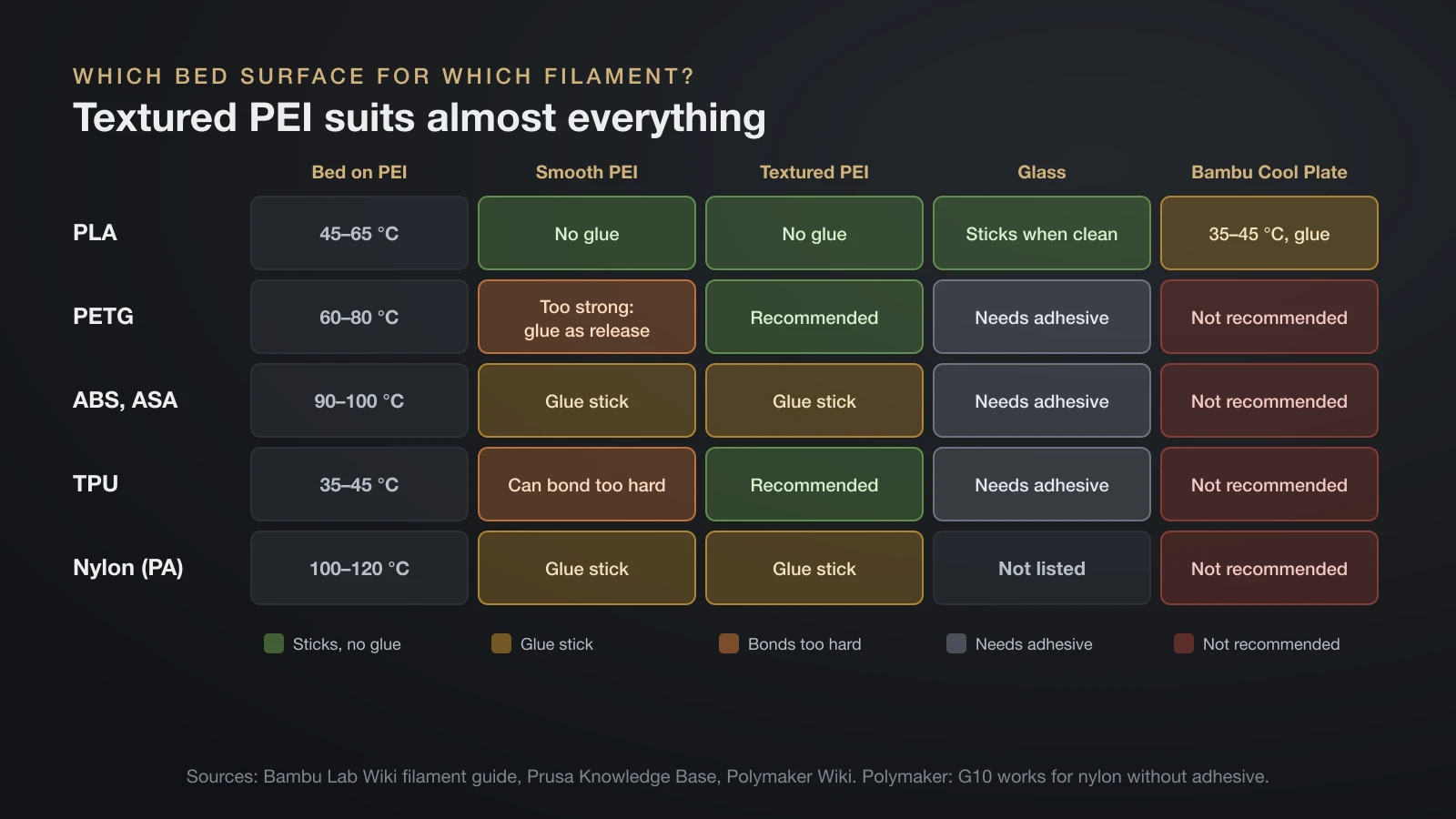
The right bed surface depends on the filament: textured PEI suits almost everything, smooth PEI suits PLA but needs glue as a release layer for PETG and TPU, and ABS, ASA and nylon need glue on most plates. This table combines guidance from Bambu Lab, Prusa and Polymaker.
| Filament | Bed on PEI (Bambu Lab) | Smooth PEI | Textured PEI | Glass | Bambu Cool Plate |
|---|---|---|---|---|---|
| PLA | 45–65 °C | Sticks well, no glue | Sticks, no glue | Sticks when clean | 35–45 °C, with glue |
| PETG | 60–80 °C | Too strong; glue stick as release | Recommended | Needs adhesive | Not recommended |
| ABS, ASA | 90–100 °C | With glue stick | With glue stick | Needs adhesive | Not recommended |
| TPU | 35–45 °C | Can bond too hard, damage sheet | Sticks, no glue | Needs adhesive | Not recommended |
| Nylon (PA) | 100–120 °C | With glue stick | With glue stick | Not listed | Not recommended |
For nylon, Polymaker lists G10 (garolite) as a surface that works without adhesive. Full temperature ranges are in our guides to PETG temperature, TPU filament and nylon filament, and the ABS vs PLA comparison explains why ABS needs so much more heat than PLA.
PETG sticks too well: protecting the plate
PETG has the opposite problem on smooth surfaces: it can bond so strongly that it tears pieces out of the plate. Prusa says to avoid its smooth PEI sheet for PETG because the adhesion may be too strong, and to apply glue stick before printing if you use it anyway. Polymaker likewise warns that PETG can bond too strongly to PEI and recommends glue stick to avoid over-adhesion.
Three habits keep PETG manageable:
- Print on textured PEI or a satin sheet, which Prusa recommends for PETG.
- Don’t over-squish the first layer. Prusa warns that PETG and PC can damage a PEI surface when pressed in too hard.
- Let it cool before removal. Bambu Lab says to wait until the plate and model have fully cooled, then flex the plate to release the part.
Prusa gives the same smooth-sheet warning for TPU, so treat flexible filaments the same way.
Why do prints stick, then pop off mid-print?
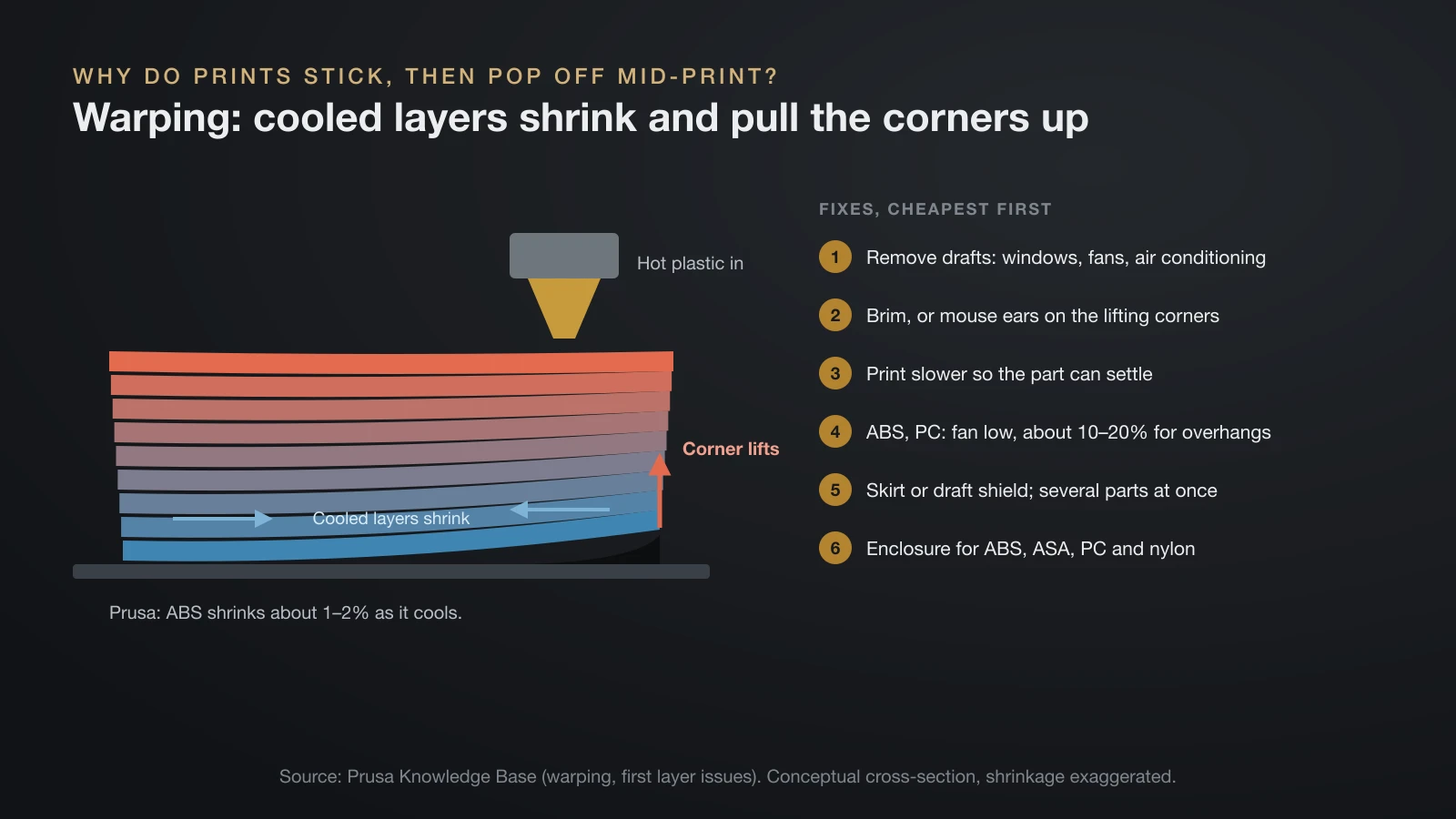
A print that sticks at first and then pops off mid-print is usually warping: as each layer cools it shrinks, and the stress builds until the part tears loose. Prusa traces lifted corners mainly to the jump from hot nozzle to cool room air, worst with high-temperature materials, and says ABS shrinks about 1–2% as it cools.
The fixes run from blocking drafts and adding a brim to slowing down, lowering the fan and enclosing the printer; our guide to 3D print warping walks through each one in order.
A nozzle that catches a curled edge can also knock a part loose, so a lifted corner is worth fixing even when it seems small.
Resin prints not sticking to the build plate
Resin prints that won’t stick to the build plate fail for different reasons than filament prints, because the first layers cure against the vat film instead of being laid down by a nozzle. For its SL1 and SL1S printers, Prusa suggests these checks:
- Recalibrate the platform, without skipping steps.
- Use longer initial-layer exposure, much longer than normal layers (Prusa gives 45 seconds as an example).
- Put the largest flat side on the platform, or use a support pad for more contact.
- Tighten the platform so it reaches the correct position.
- Clean the vat film with warm water and a little dish soap, never IPA or acetone.
- Replace resin contaminated with IPA, which may not cure properly.
Our guide to 3D printing resin covers exposure settings and safe handling.
The bottom line
Most prints that won’t stick need a clean plate and a correct nozzle height, not glue. Work down the list: clean, set the Z offset, match bed temperature and surface to the filament, slow and cool the first layer gently, then add glue stick, a brim or an enclosure. If PETG or TPU sticks too hard, add glue stick as a release layer and move them to textured PEI.
Sources
- Bambu Lab Wiki: Filament guide (bed temperature by filament and plate, glue for adhesion, release and plate protection, enclosed printers for ABS, ASA, PC and PA, door open above 45 °C for PLA, cooling before removal, dish soap cleaning, no acetone) and Cool Plate troubleshooting (glue for PLA on the Cool Plate, secondary fan after three layers, 0.25 mm first layer and 0.5 mm line width)
- Prusa Knowledge Base: First layer issues, Warping, PETG, ABS, Smooth steel sheet and First layer does not stick (SL1/SL1S) (90% IPA, dish soap, glue stick materials, no superglue, brim first, 75% speed for three layers, bed 5–10 °C higher, Live Z warning, drafts, enclosure, fan 10–20%, draft shield, PETG and TPU on smooth PEI, PETG fan off for first layers, 1–2% ABS shrinkage, resin platform checks and 45 s example)
- Polymaker Wiki: Build plates (glass needs adhesive for PETG, ABS and TPU; PETG over-adhesion on PEI; G10 for nylon without adhesive)
- OrcaSlicer Wiki: Brim settings (mouse ears, brim-object gap and adhesion)