
Software
Free 3D Design Software for 3D Printing: 8 Tools Compared
Free 3D design software for 3D printing compared: Tinkercad, FreeCAD, Fusion, Onshape, Blender and more, with the real license terms and the right tool per job.
Software for 3D printing: free CAD programs for designing parts, slicers that turn models into G-code and the settings that change quality and speed.
Free 3D design software for 3D printing compared: Tinkercad, FreeCAD, Fusion, Onshape, Blender and more, with the real license terms and the right tool per job.
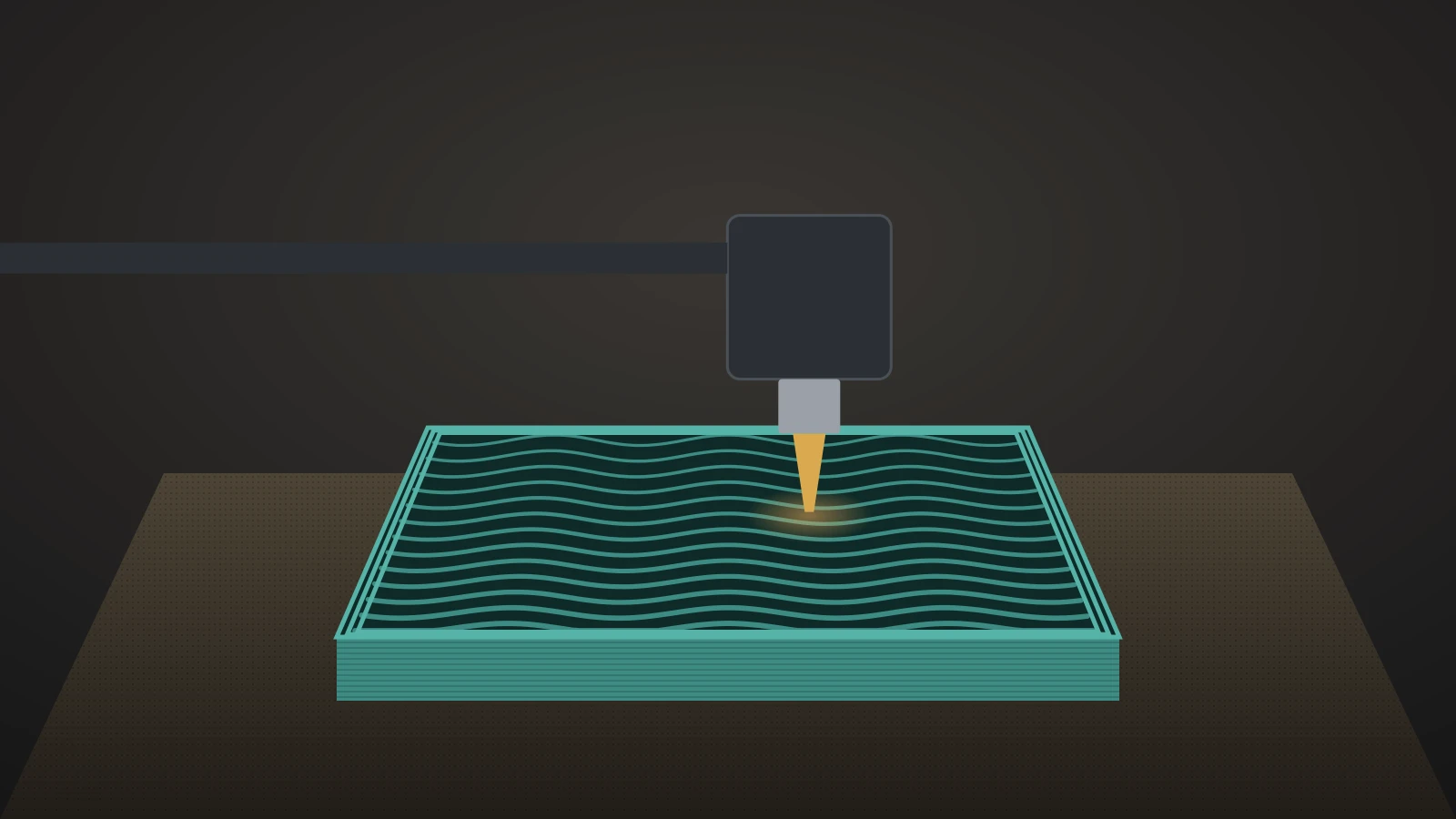
3D printing infill patterns compared: which is strongest, fastest and lightest, how much infill density you need and how to change it in Orca or Bambu Studio.
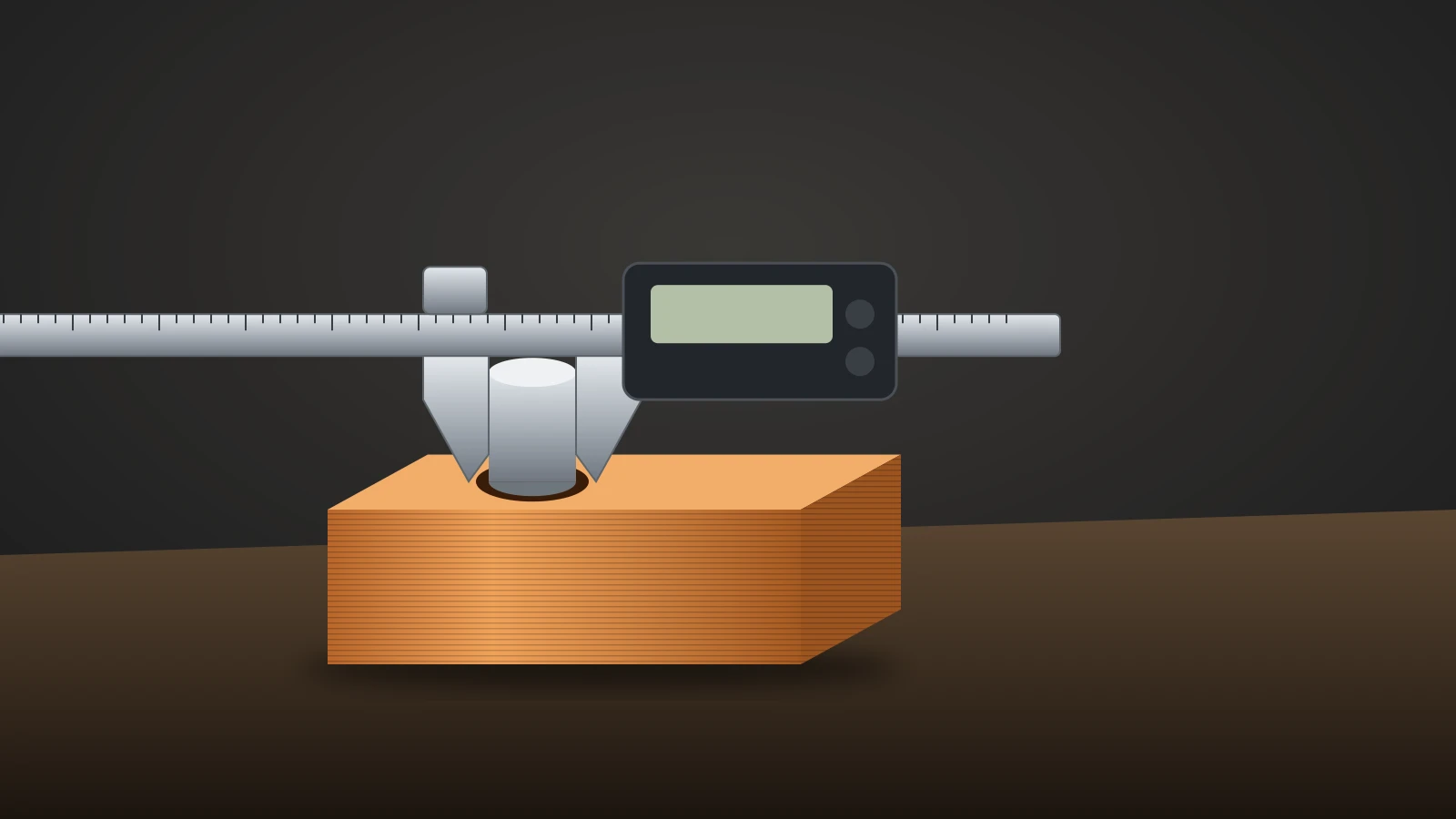
3D printing tolerances explained: how accurate FDM and resin printers are, how much clearance to add per fit, why holes print small and how to make threads fit.
Orca Slicer is a free, open-source slicer. See where to download it safely, how to set up printer profiles, run calibration tests, unlock a plate and update it.
Design 3D printed joints that work on FDM printers: snap fits, hinges, ball and dovetail joints, right clearance gaps, layer orientation and material choice.
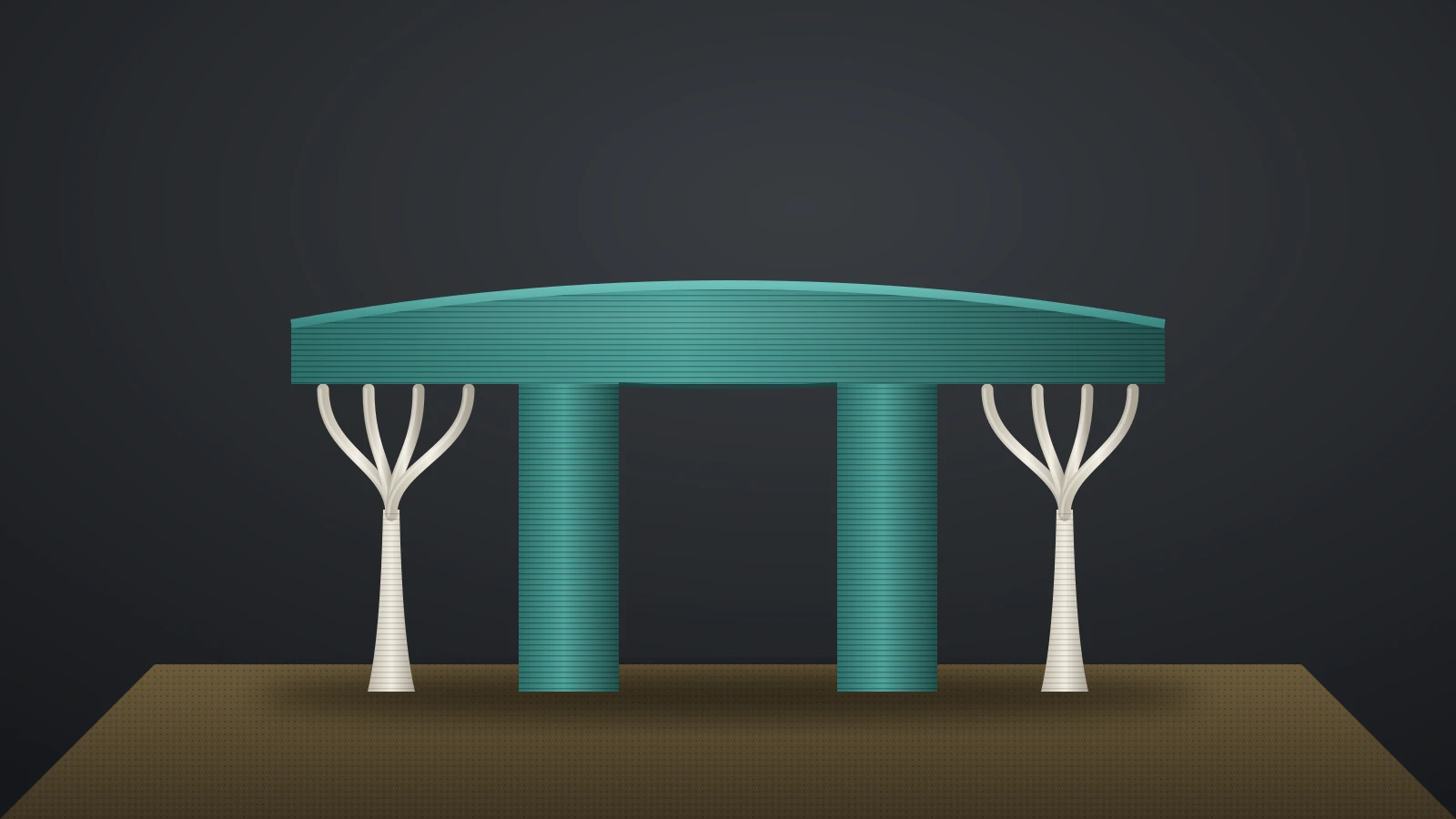
3D printing supports explained: when overhangs need them, normal vs tree supports, interface and Z distance settings, support materials and safe removal.
Orca Slicer vs Bambu Studio compared: shared code, calibration tests, printer profiles and Bambu Lab printing, plus how Orca stacks up to Cura and PrusaSlicer.
The 3D printing layer height rule: 20–80% of nozzle size. For a 0.4 mm nozzle, use 0.20 mm by default, 0.08 mm at the finest and 0.28–0.32 mm at the most.
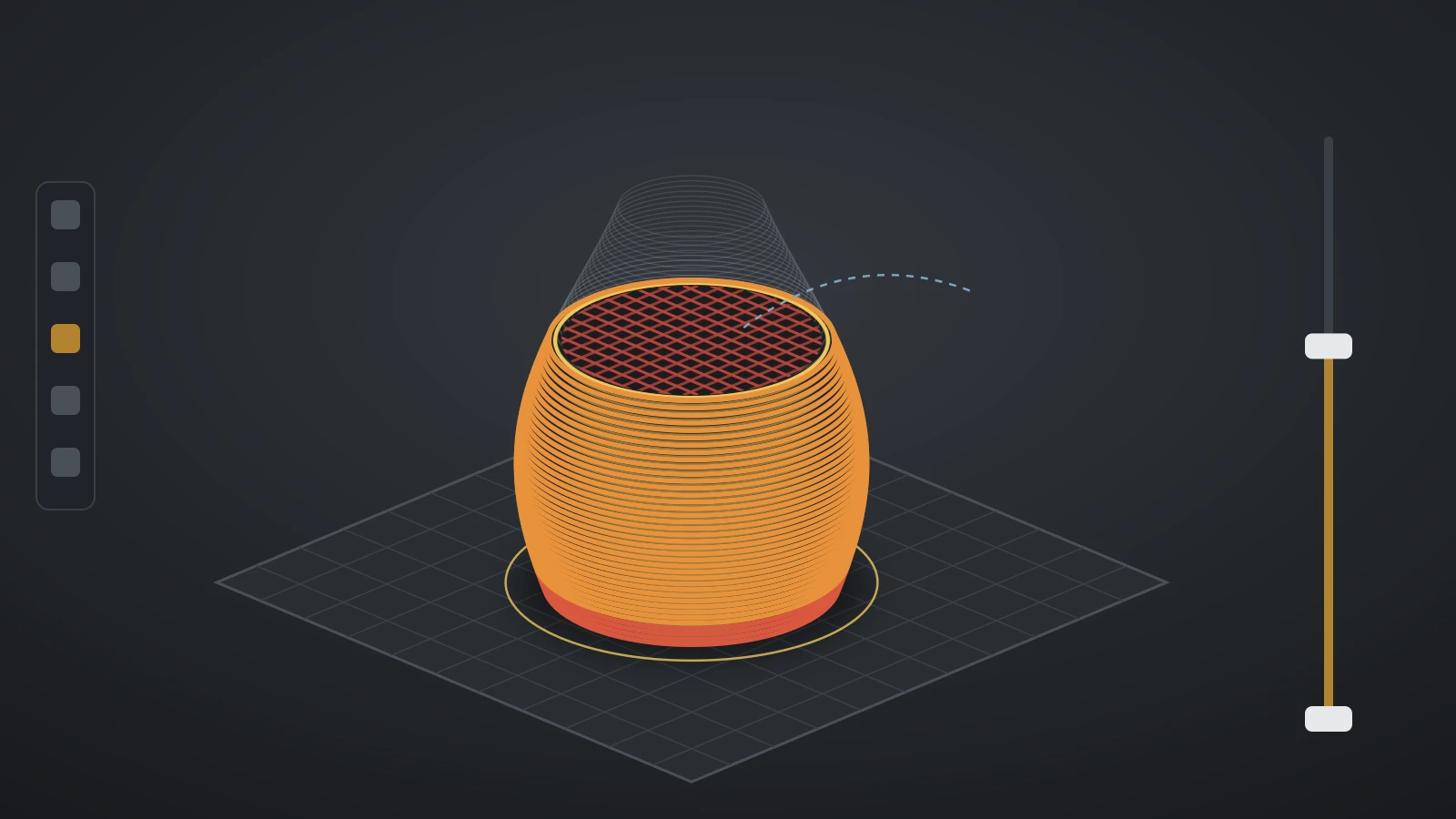
3D printing slicer settings explained: walls, top shell thickness, Arachne vs Classic, infill, max volumetric speed and cooling, from official printer profiles.
Prusa Slicer (PrusaSlicer) is free: get it only from official sources, install it on Linux, set up printer profiles and use paint-on tools and color changes.
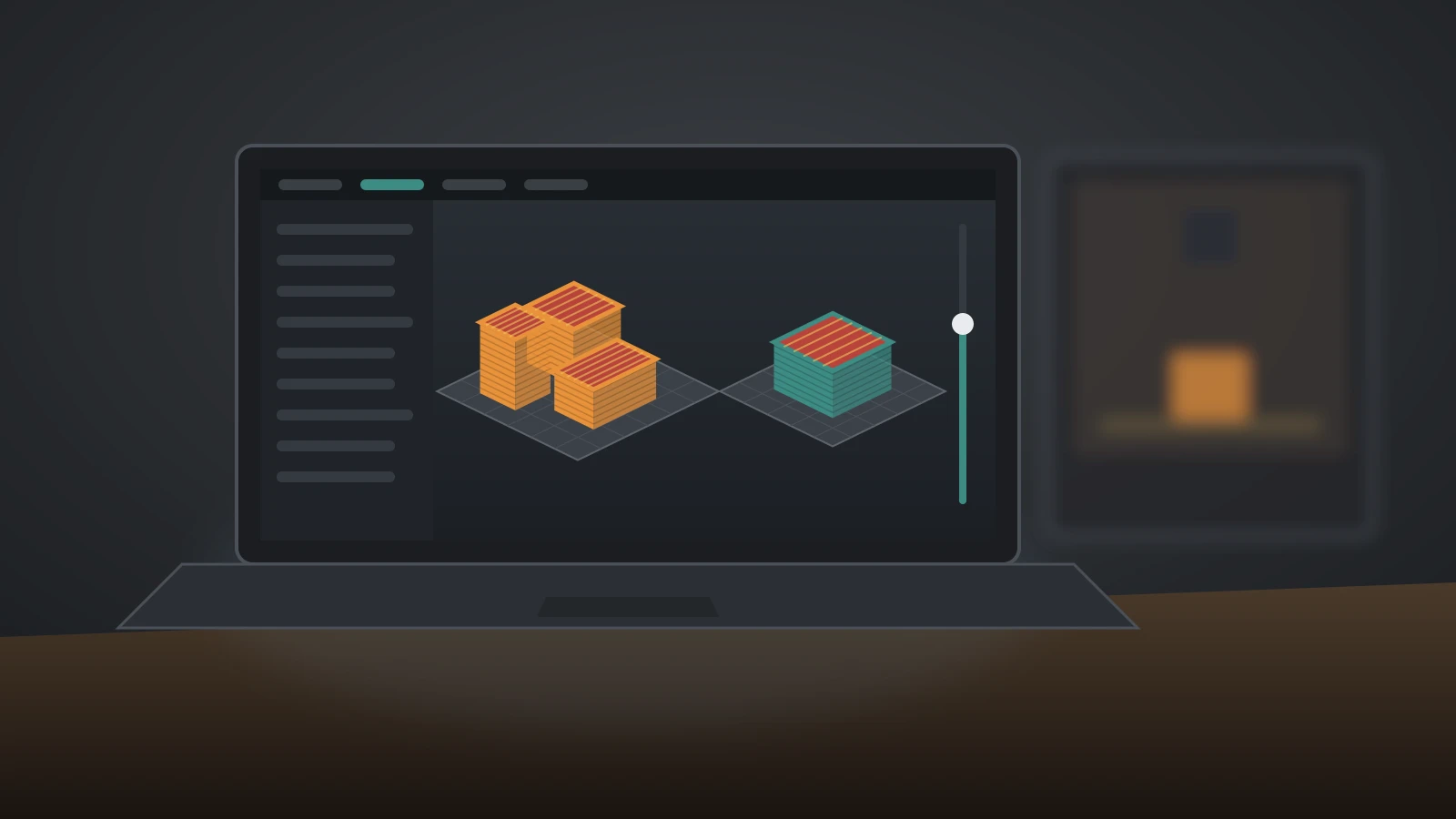
Convert STL to gcode by slicing it: steps for any slicer, online converter risks, .gcode vs .bgcode vs .gcode.3mf files, G-code viewers and a command list.
Edit STL files with the right tool: resize, cut and add text in your slicer, remodel in a mesh editor, convert to STEP for CAD, and open STL files for free.
How to make 3D models for printing: pick a modeling tool, measure, sketch and extrude, follow FDM design rules with real numbers, then export STL or 3MF.