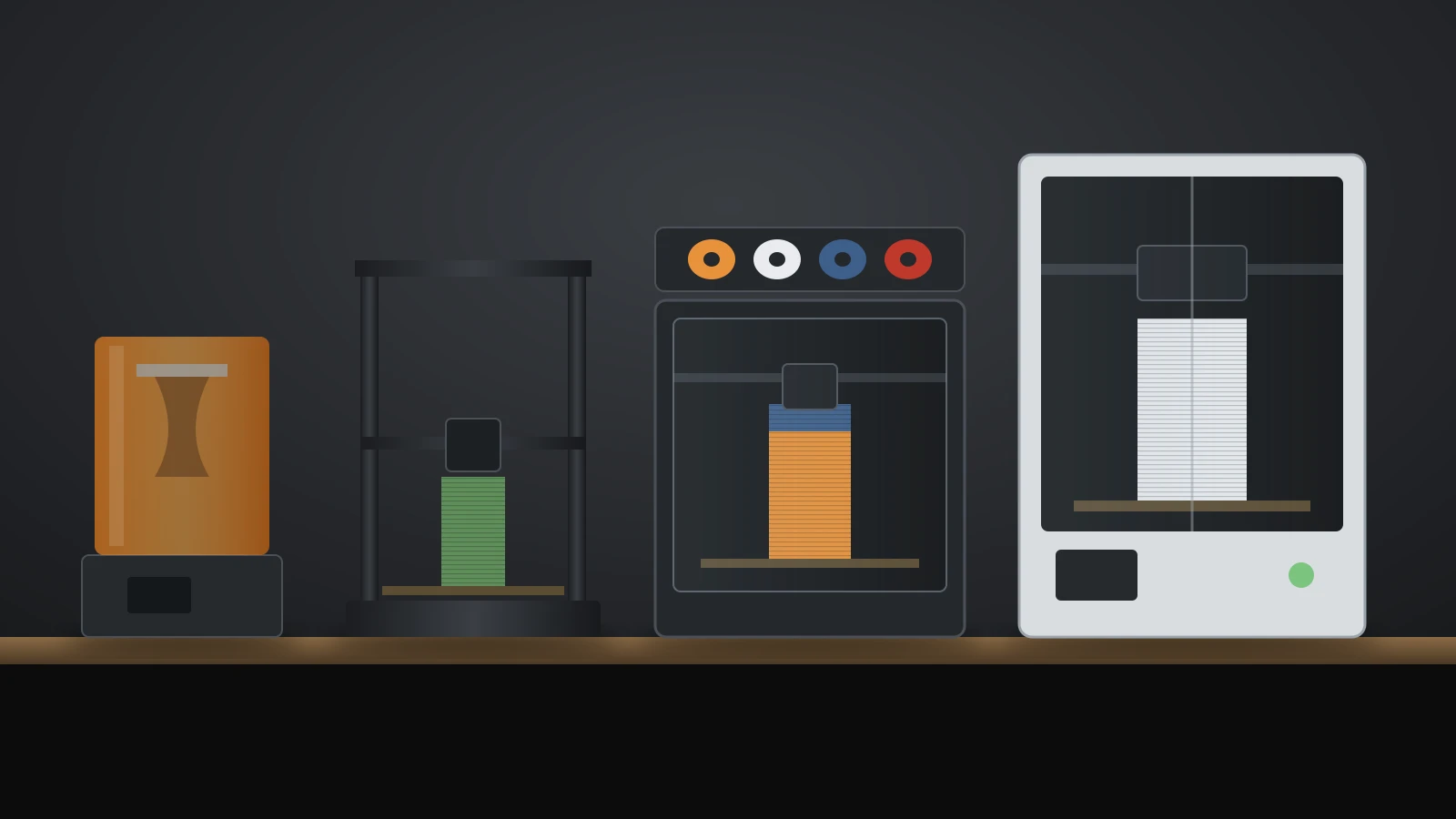
A Flashforge 3D printer today means one of five filament (FDM, fused deposition modeling) models on Flashforge’s US store: the Adventurer 5M, Adventurer 5M Pro, AD5X, Creator 5 and Creator 5 Pro. A full-color CJ270 resin printer sits above them. On October 4, 2026, the filament models sold for $249 to $849.
If you are weighing other brands too, our Bambu Lab vs Prusa comparison covers the two best-known ecosystems.
The short answer
| If you want | Look at | Why |
|---|---|---|
| The lowest-cost start for PLA and PETG | Adventurer 5M | Open CoreXY printer, auto-leveling, $249 on sale |
| ABS and ASA, or filtered air at home | Adventurer 5M Pro | Enclosed, HEPA and carbon filter, camera |
| Four colors on a budget | AD5X | Built-in four-spool filament system |
| Four colors with less waste | Creator 5 | Four separate toolheads, 256 mm build volume |
| Engineering filaments in four colors | Creator 5 Pro | Enclosed, active chamber heating to 65 °C |
Who is Flashforge?
Flashforge is Zhejiang Flashforge 3D Technology Co., Ltd., a Chinese company founded in 2011, according to its official About page. It describes a range from consumer and industrial FDM printers to resin and wax printers, and it states ISO 9001 certification.
The US store at flashforge.com sells the consumer range, filament, spare parts and refurbished units. Flashforge also runs an official wiki with manuals and troubleshooting guides for each printer series.
Flashforge 3D printer lineup in October 2026
Flashforge’s US store listed five current filament printers and one resin printer on October 4, 2026. Specs come from each product page; prices are the sale prices shown that day, with the regular price in brackets.
| Model | Build volume | Frame | Max nozzle / bed | Multi-color | US store price |
|---|---|---|---|---|---|
| Adventurer 5M | 220 × 220 × 220 mm | Open | 280 °C / 100 °C | No | $249 ($399) |
| Adventurer 5M Pro | 220 × 220 × 220 mm | Enclosed, HEPA + carbon | 280 °C / 100 °C | No | $379 ($529) |
| AD5X | 220 × 220 × 220 mm | Open | 300 °C / 110 °C | 4 colors (IFS) | $349 ($499) |
| Creator 5 | 256 × 256 × 256 mm | Open | 320 °C / 120 °C | 4 toolheads | $699 ($799) |
| Creator 5 Pro | 256 × 256 × 256 mm | Enclosed, 65 °C heated chamber | 320 °C / 120 °C | 4 toolheads | $849 ($949) |
| CJ270 (resin) | 180 × 120 × 100 mm | Desktop MultiJet | Not applicable | Full color (CMYK) | $3,999 ($4,499) |
All five filament models list a maximum travel speed of 600 mm/s, and Flashforge describes the Adventurer 5M series, AD5X and Creator 5 as CoreXY designs. The Adventurer models and the AD5X accelerate at up to 20,000 mm/s², and the Creator 5 series at up to 30,000 mm/s². The Guider 3 Ultra appeared only as a sold-out refurbished listing.
Where to buy a Flashforge printer and what to check
Flashforge sells direct through its own store, where printers ship from local warehouses and usually arrive in 2 to 5 working days. Shipping is free, and printers can be returned within 30 days of delivery in their original packaging.
Before ordering, check these points:
- Sale vs regular price. Every printer showed a sale price on October 4, 2026, so compare against the regular price in the table above.
- Refurbished units. The store listed refurbished printers at $199 for the Adventurer 5M, $339 for the 5M Pro and $315 for the AD5X.
- Where the warranty sits. Flashforge states that the seller is responsible for after-sales service, so a printer from a third-party shop is supported by that shop first.
- What you will print. The open models are rated for PLA, PETG and fiber-filled blends; ABS and ASA call for the 5M Pro or Creator 5 Pro, or an enclosure on the open models. Our enclosed 3D printers guide explains why.
Flashforge Adventurer 5M vs 5M Pro
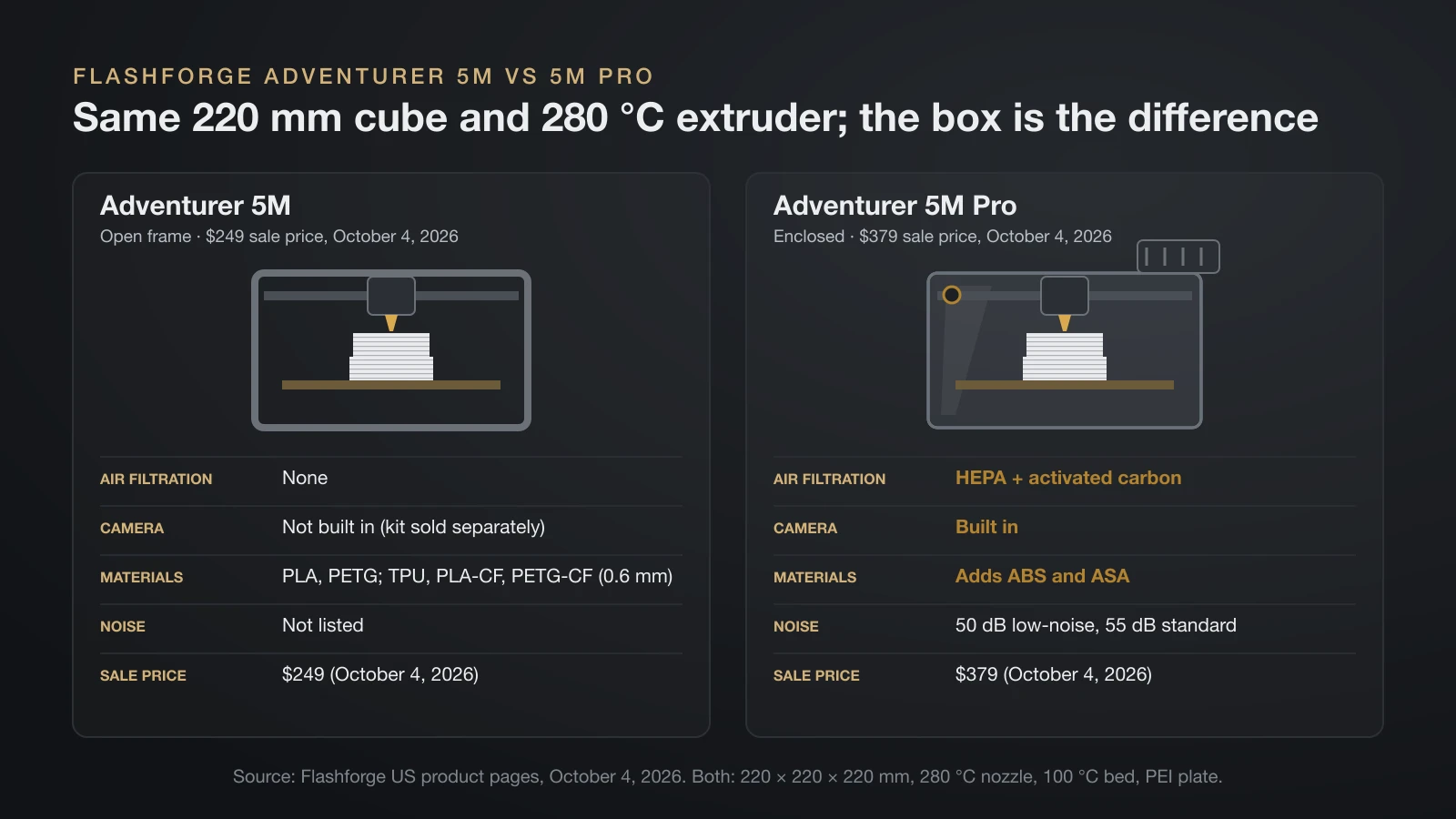
The Flashforge Adventurer 5M and 5M Pro share the same 220 mm build volume, 280 °C direct-drive extruder, quick-swap nozzles and speed, but only the Pro is enclosed. That one difference decides which materials each can print and how each fits a living space.
| Feature | Adventurer 5M | Adventurer 5M Pro |
|---|---|---|
| Frame | Open | Enclosed |
| Air filtration | None | HEPA + activated carbon, internal and external circulation |
| Camera | Not built in (camera kit sold separately) | Built in |
| Rated materials | PLA, PETG; TPU, PLA-CF, PETG-CF with 0.6 mm nozzle | Adds ABS and ASA |
| Noise | Not listed | 50 dB low-noise mode, 55 dB standard |
| Size without spool holder | 363 × 402 × 448 mm | 380 × 400 × 453 mm |
| Price on October 4, 2026 | $249 | $379 |
Both use a flexible PEI steel plate, pressure-sensor automatic leveling and nozzles in 0.25, 0.4, 0.6 and 0.8 mm. The standard 5M suits PLA and PETG on a budget. The 5M Pro costs $130 more and adds the enclosure, filtration and camera that ABS, ASA and shared rooms call for.
How to use the Flashforge Adventurer 5M
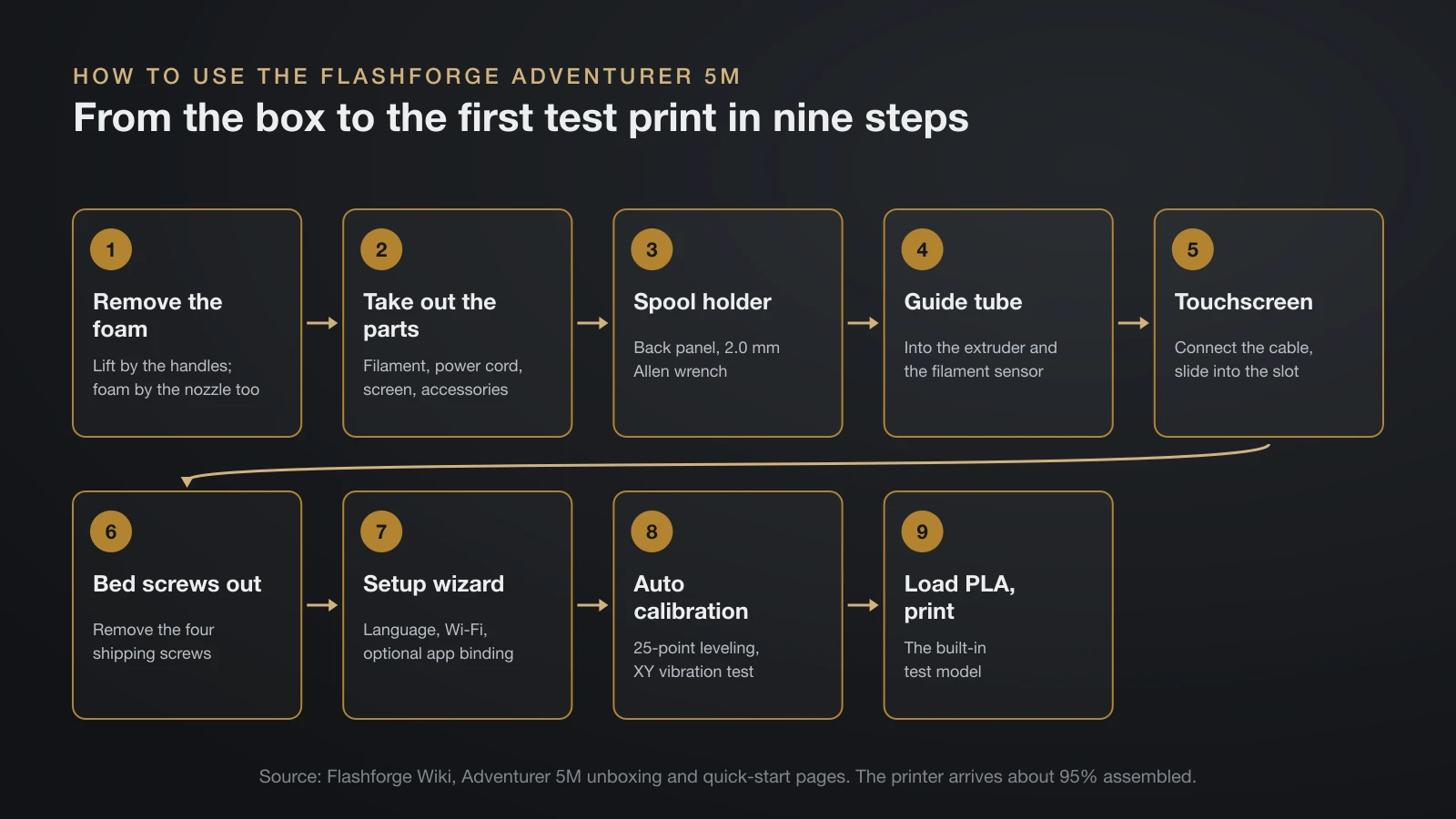
Setting up the Flashforge Adventurer 5M takes eight unboxing steps and a guided first start, according to Flashforge’s official wiki. The printer arrives about 95% assembled.
- Lift the printer out by its two plastic handles and remove the foam, including the piece around the nozzle.
- Take out the filament, power cord, screen and accessory box.
- Fit the spool holder to the back panel with the 2.0 mm Allen wrench, protruding part facing up.
- Push the guide tube into the extruder and the filament sensor.
- Connect the touchscreen cable and slide the screen into its slot.
- Remove the four screws that lock the bed for shipping.
- Power on and follow the wizard: language, Wi-Fi and optional app binding.
- Let it calibrate: homing, nozzle wiping, 25-point leveling and an XY vibration test.
- Load PLA when prompted and print the built-in test model.
Flashforge asks for PLA on this first print and warns that other materials may cause print quality issues and nozzle clogs. Before later prints, it recommends cleaning the nozzle and plate and spreading a thin layer of the included glue on the build plate.
AD5X and Creator 5: Flashforge multi-color printing
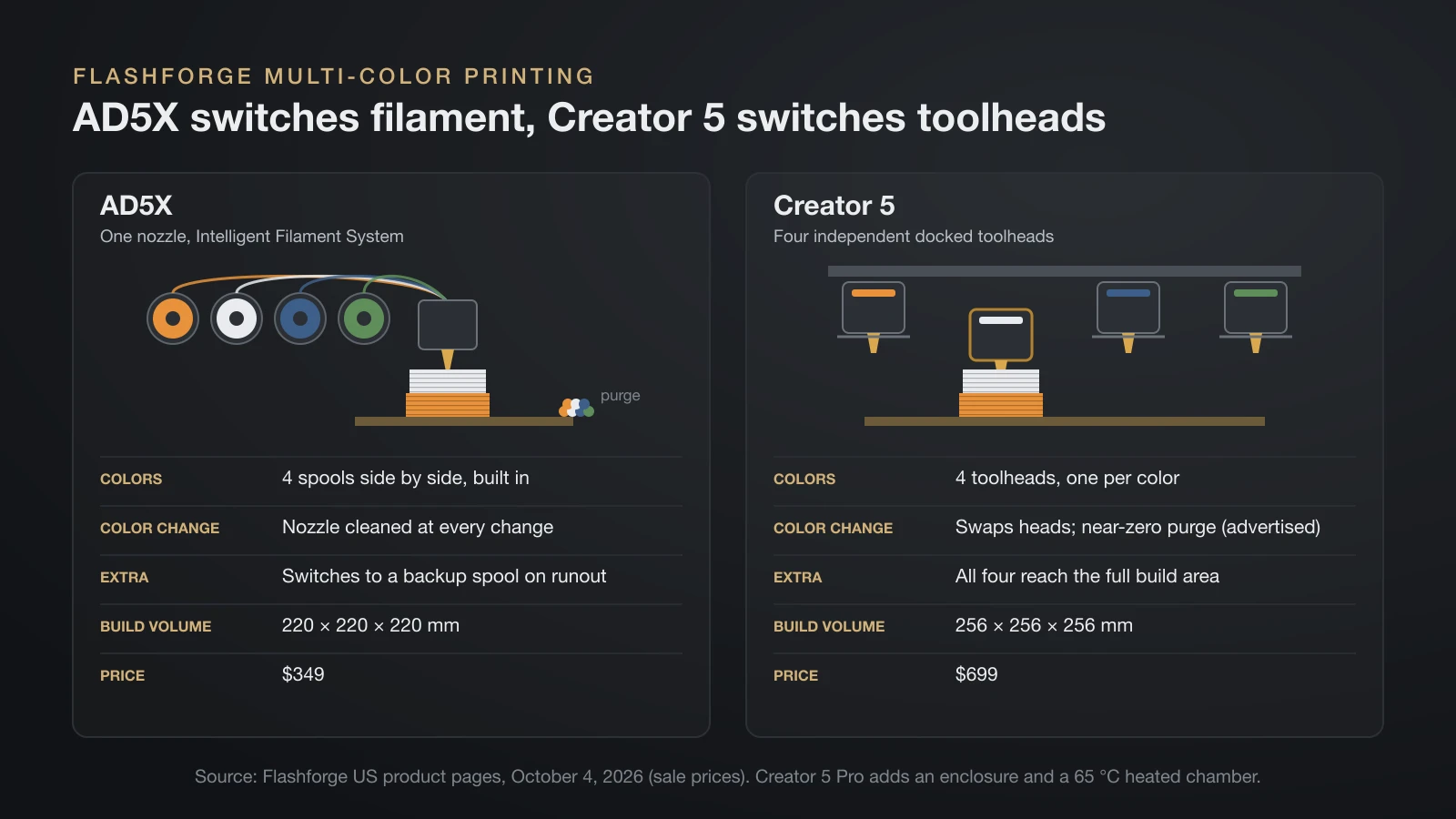
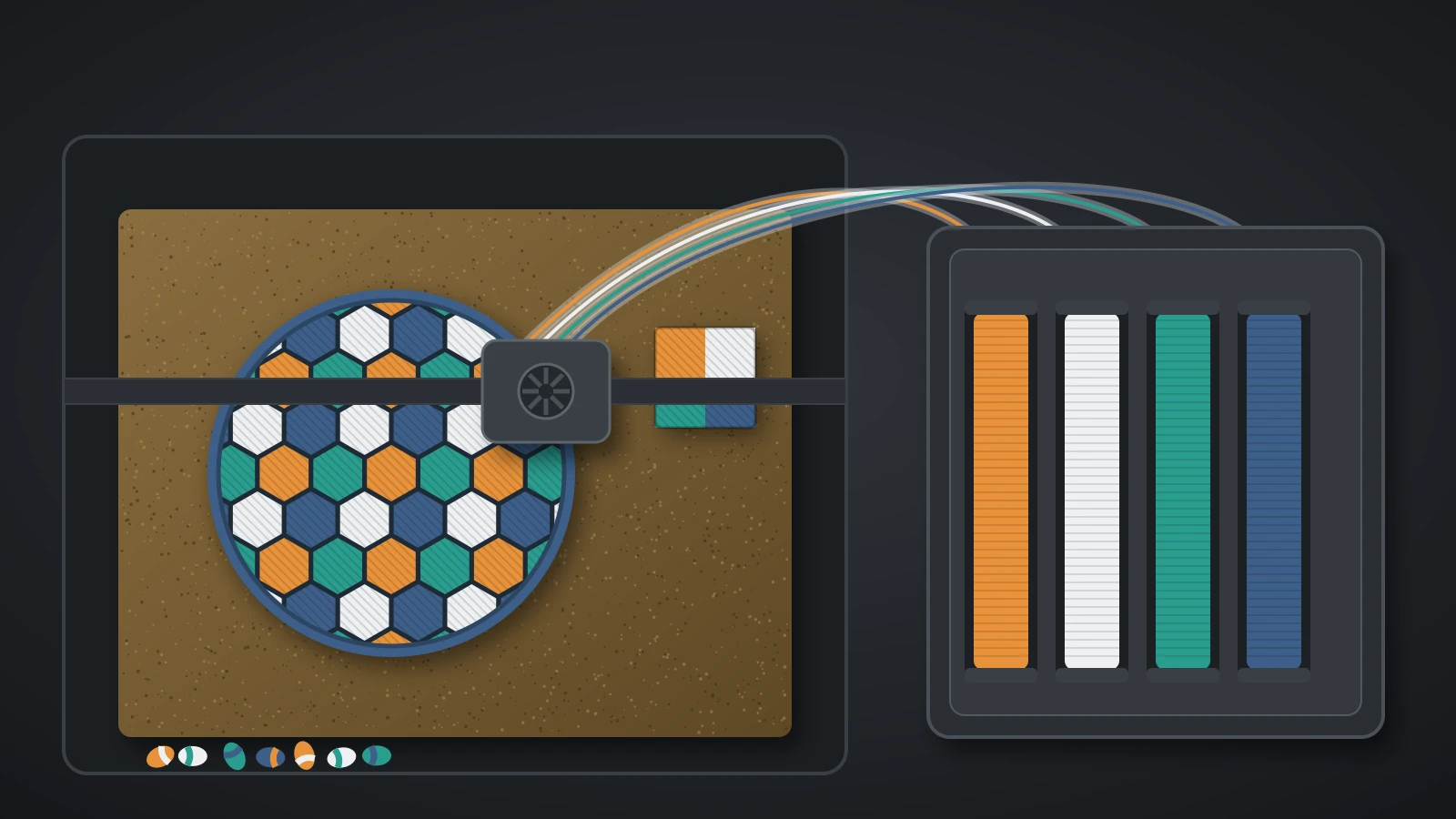
Flashforge offers two ways to print in four colors: the AD5X switches filaments through one nozzle, while the Creator 5 series gives each color its own toolhead. The difference shows up in waste and speed.
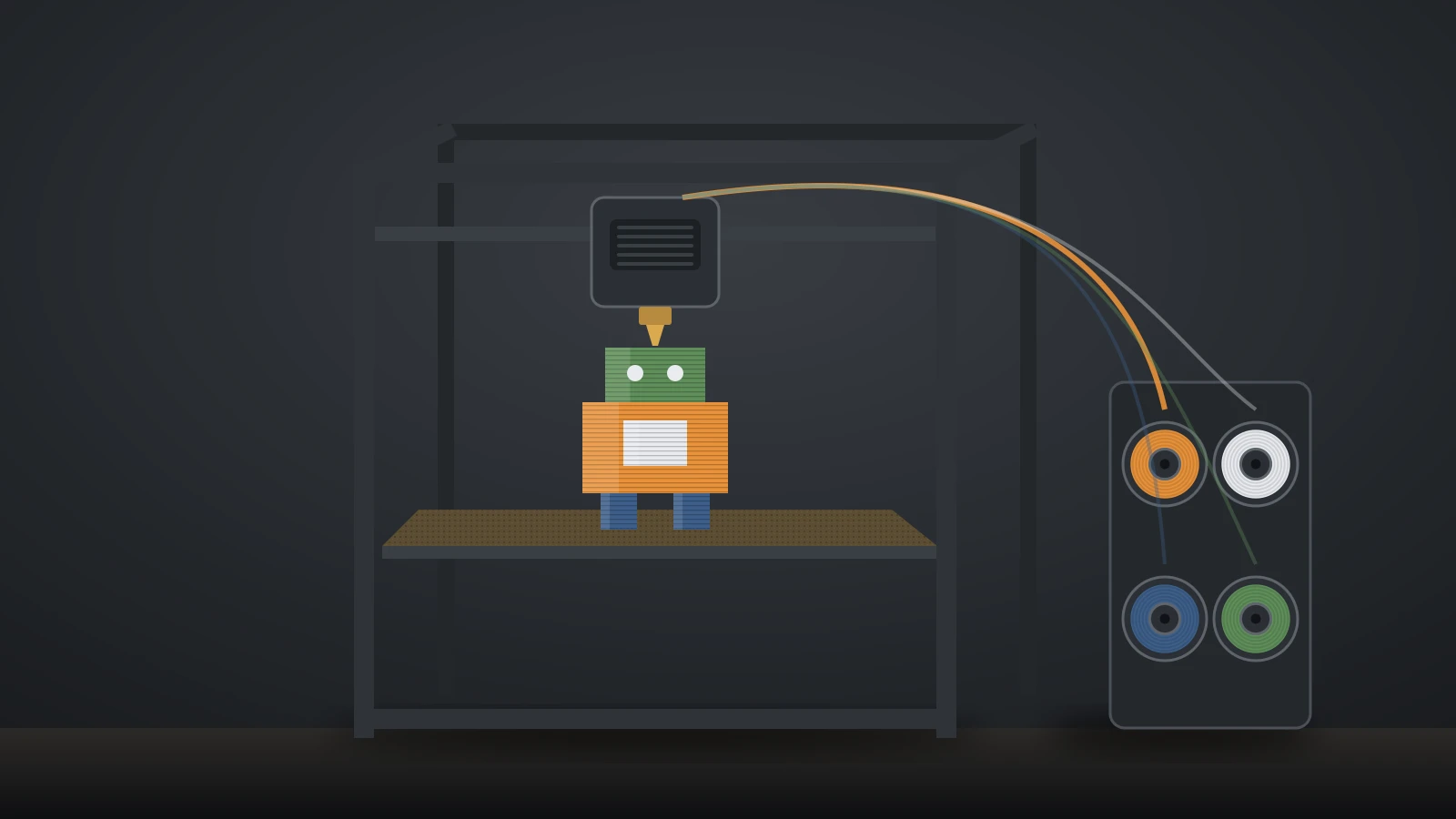
The AD5X builds its Intelligent Filament System (IFS) into the printer, with four spools side by side. It cleans the nozzle at every color change and can switch to a backup spool when one runs out. Flashforge recommends TPU 95A for single-color prints and lists TPU 64D for multi-color work.
The Creator 5 parks four independent toolheads in docks and switches between them as the sliced model requires, so colors do not have to be purged from one nozzle; Flashforge advertises near-zero purge waste. All four reach the full 256 mm build area. Our guide to multi-color 3D printers compares these two approaches with other brands.
Flashforge software: Flash Studio, Orca-Flashforge and FlashPrint
Flashforge’s current slicer is Flash Studio Desktop, which its download page calls the updated version of Orca-Flashforge. It is built on OrcaSlicer, released under the AGPLv3 license, and available for Windows and macOS, with an Ubuntu beta.
It ships with tuned profiles for Flashforge printers and sends jobs over the cloud (WAN mode) or the local network only (LAN mode). The Flash Studio Mobile app, formerly Flash Maker, monitors and controls one printer or a group from a phone.
The spec sheets list compatible slicers per model:
- Adventurer 5M and 5M Pro: FlashPrint 5, Orca-Flashforge and OrcaSlicer.
- AD5X, Creator 5 and Creator 5 Pro: Orca-Flashforge and OrcaSlicer.
- CJ270: ColorPrint, Flashforge’s full-color software for Windows and macOS.
FlashPrint 5.8.7 also remains on the download page. Because Flash Studio shares its base with OrcaSlicer, most settings in our OrcaSlicer guide carry over.
Flashforge warranty, filament and support
Flashforge gives a 12-month limited warranty on its printers and 3 months on extruder parts. The clock starts from the shipping date, or from the invoice date when a confirmed invoice exists.
Build plates, filament, glue, scrapers, USB cables, tools and accessories are excluded. For a covered fault, Flashforge sends free parts or remote support, and it replaces or refunds parts that cannot be repaired.
Flashforge also sells its own filament, from HS PLA and HS PETG to carbon fiber blends such as PLA-CF, PETG-CF and ASA-CF. Its VDS filament drying box was on pre-order at $199 in October 2026. Support runs through the wiki, an email address and the official community group.
Is Flashforge a good 3D printer brand?
A Flashforge printer is a good match when its specific trade-offs fit your plans, so judge it on these criteria rather than on reputation:
- Build volume: three of the five filament models print a 220 mm cube; if you need larger parts, only the Creator 5 series reaches 256 mm.
- Materials: ABS, ASA and other warp-prone filaments need the enclosed 5M Pro or Creator 5 Pro.
- Multi-color: the AD5X is the low-cost route; the Creator 5 trades a higher price for far less purge waste.
- Software: an OrcaSlicer-based slicer and the standard OrcaSlicer are both officially listed.
- Warranty: 12 months on the printer, but only 3 on the extruder.
To compare these prices with other brands, our guide to how much a 3D printer costs collects official prices across the market. If engineering filaments matter most, QIDI 3D printers pair similar sizes with heated chambers, and Elegoo 3D printers cover both resin and filament.
The bottom line
Flashforge’s current range is built on 220 mm and 256 mm CoreXY printers: the Adventurer 5M for PLA, the enclosed 5M Pro for ABS and ASA, the AD5X and Creator 5 for four colors, and the heated Creator 5 Pro for engineering filaments. All are sliced in Flash Studio Desktop or OrcaSlicer. Compare the sale price with the regular price, and note the 3-month extruder warranty.
Sources
- Flashforge US store product pages (specs and prices, October 4, 2026): Adventurer 5M, Adventurer 5M Pro, AD5X, Creator 5, Creator 5 Pro, CJ270
- Flashforge company and policy pages: About Us, warranty and return policy
- Flashforge software: Flash Studio Desktop (formerly Orca-Flashforge), Flash Studio, software downloads
- Flashforge Wiki: Unboxing your Adventurer 5M, Quick-start guide, Preparation before printing, Introduction to the Adventurer 5M series