
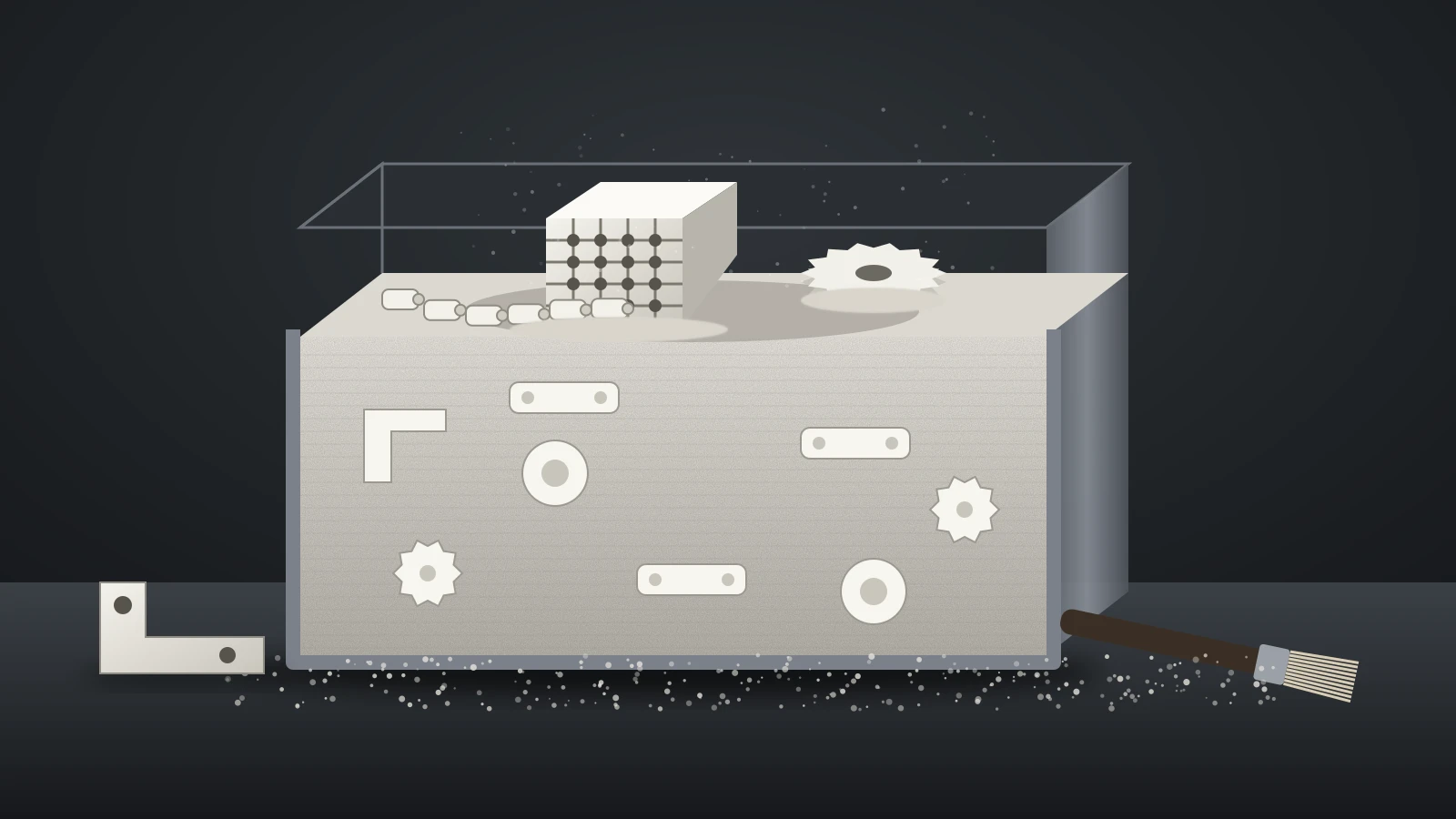
SLS 3D printing (selective laser sintering) builds parts by spreading a thin layer of polymer powder, usually nylon, and fusing each cross section with a laser, one layer at a time. The unfused powder around the part supports it, so SLS needs no support structures and can pack many parts into one build.
SLS belongs to the powder bed fusion family. The metal versions of the same idea (DMLS, SLM and EBM) melt metal powder instead, and our guide to metal 3D printing covers them. Everything below is about plastic powder.
The short answer
| SLS 3D printing | |
|---|---|
| What it is | A laser fuses polymer powder layer by layer (powder bed fusion) |
| Typical materials | Nylon 12, nylon 11, glass and carbon filled nylons, TPU |
| Supports | None: loose powder holds the part |
| Layer thickness | Typically 50–200 µm (0.05–0.2 mm), per Formlabs |
| Surface | Matte and slightly grainy, almost no visible layer lines |
| Close relative | HP Multi Jet Fusion (MJF): agents plus heat instead of a laser |
| Entry cost | Benchtop systems from $24,649 (Formlabs Fuse 1+ 30W, October 2026); most people order parts from a service |
What is SLS 3D printing?
SLS 3D printing is a powder bed fusion process: a heat source selectively fuses regions of a powder bed, the category name used in the ISO/ASTM 52900 terminology standard. In SLS that heat source is a laser, and the powder is a thermoplastic such as nylon.
Formlabs traces SLS to the mid-1980s, when Dr. Carl Deckard and Dr. Joe Beaman developed it at the University of Texas at Austin. The method was later adapted to metals, ceramics, glass and composites, which is why “powder bed fusion” now covers plastic and metal machines alike.
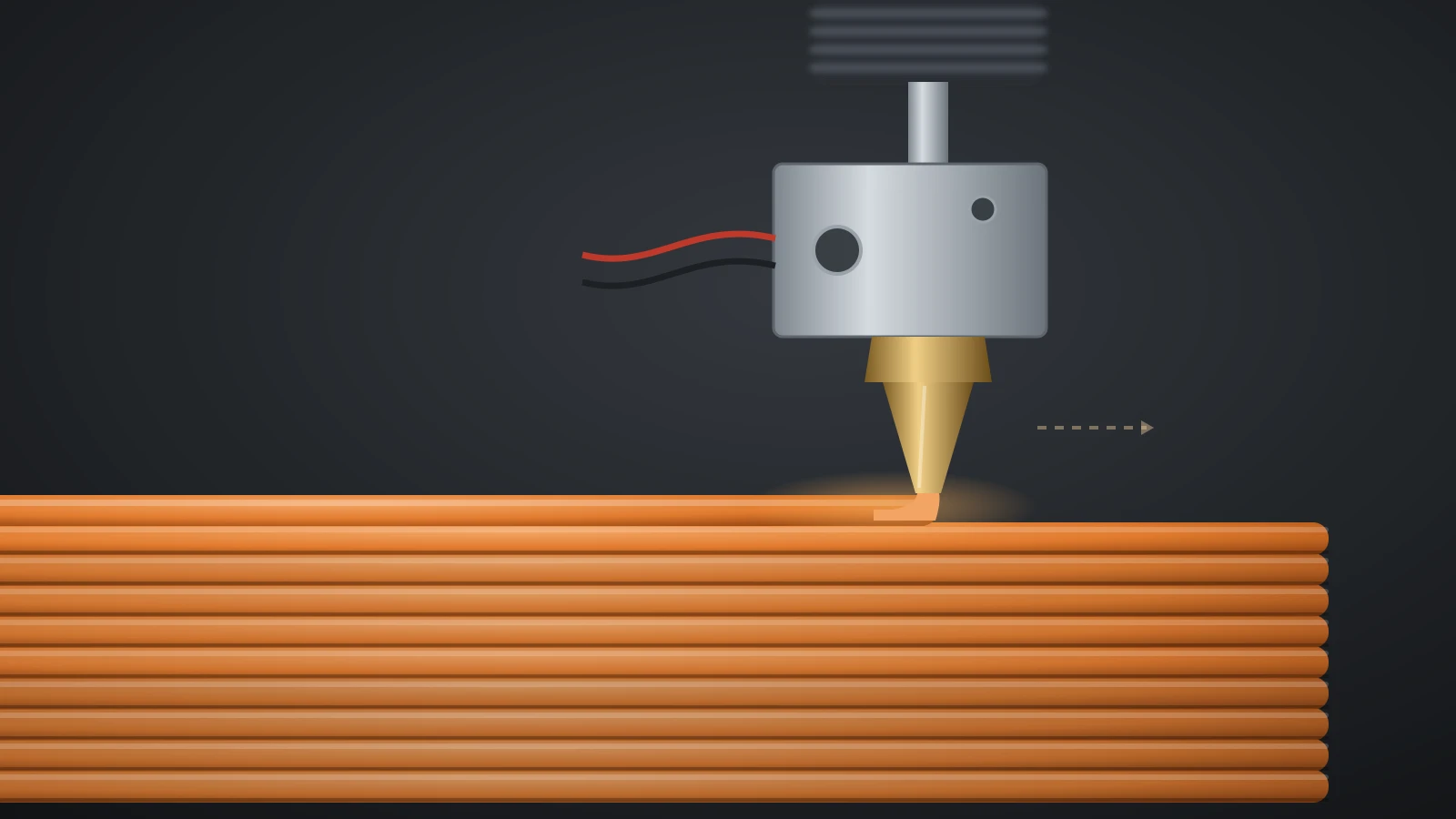
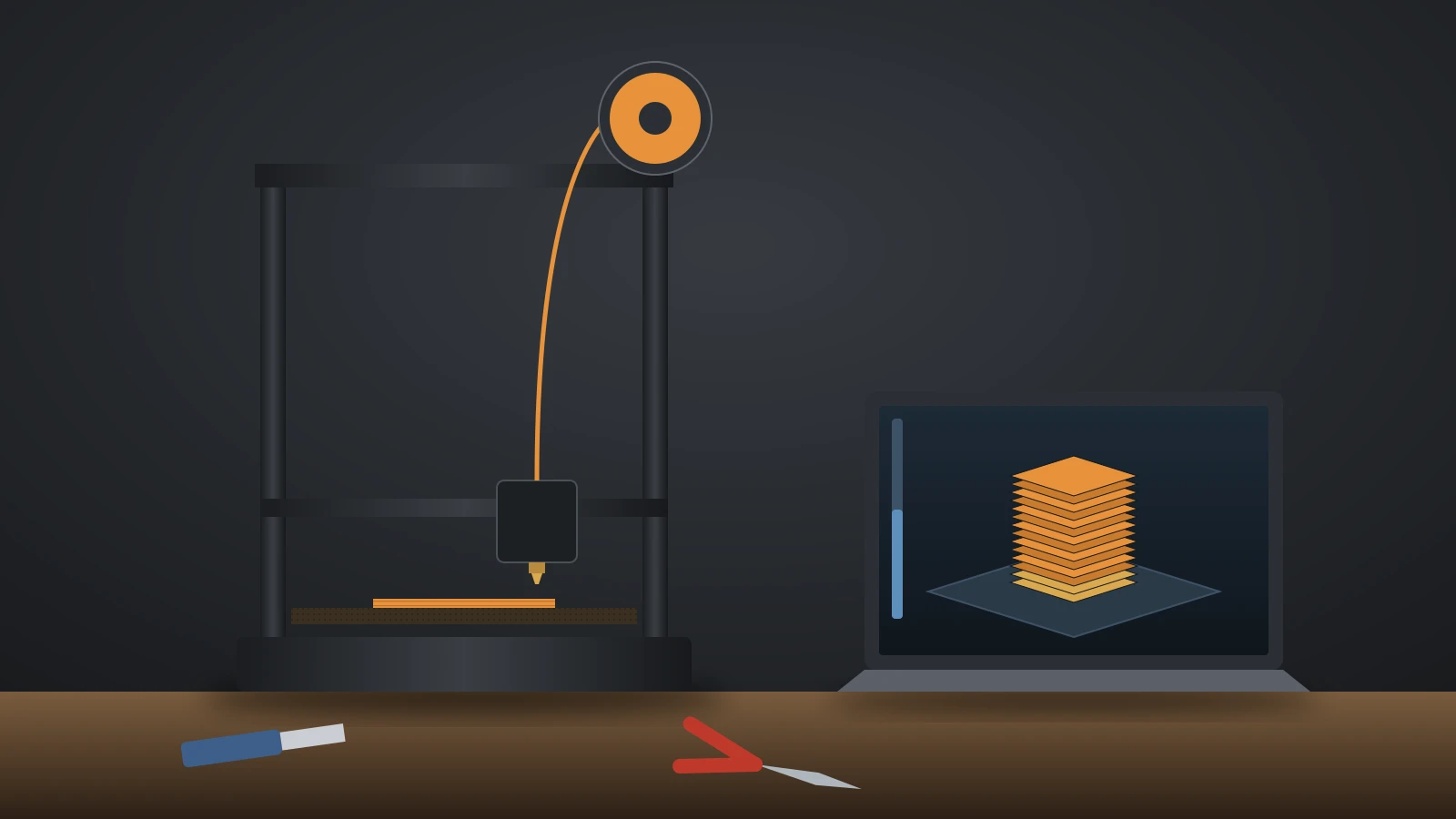
The workflow differs from home printing: a desktop FDM 3D printing machine extrudes parts from a spool, while an SLS build fills a whole chamber with nested parts that cool for hours before unpacking.
How SLS 3D printing works
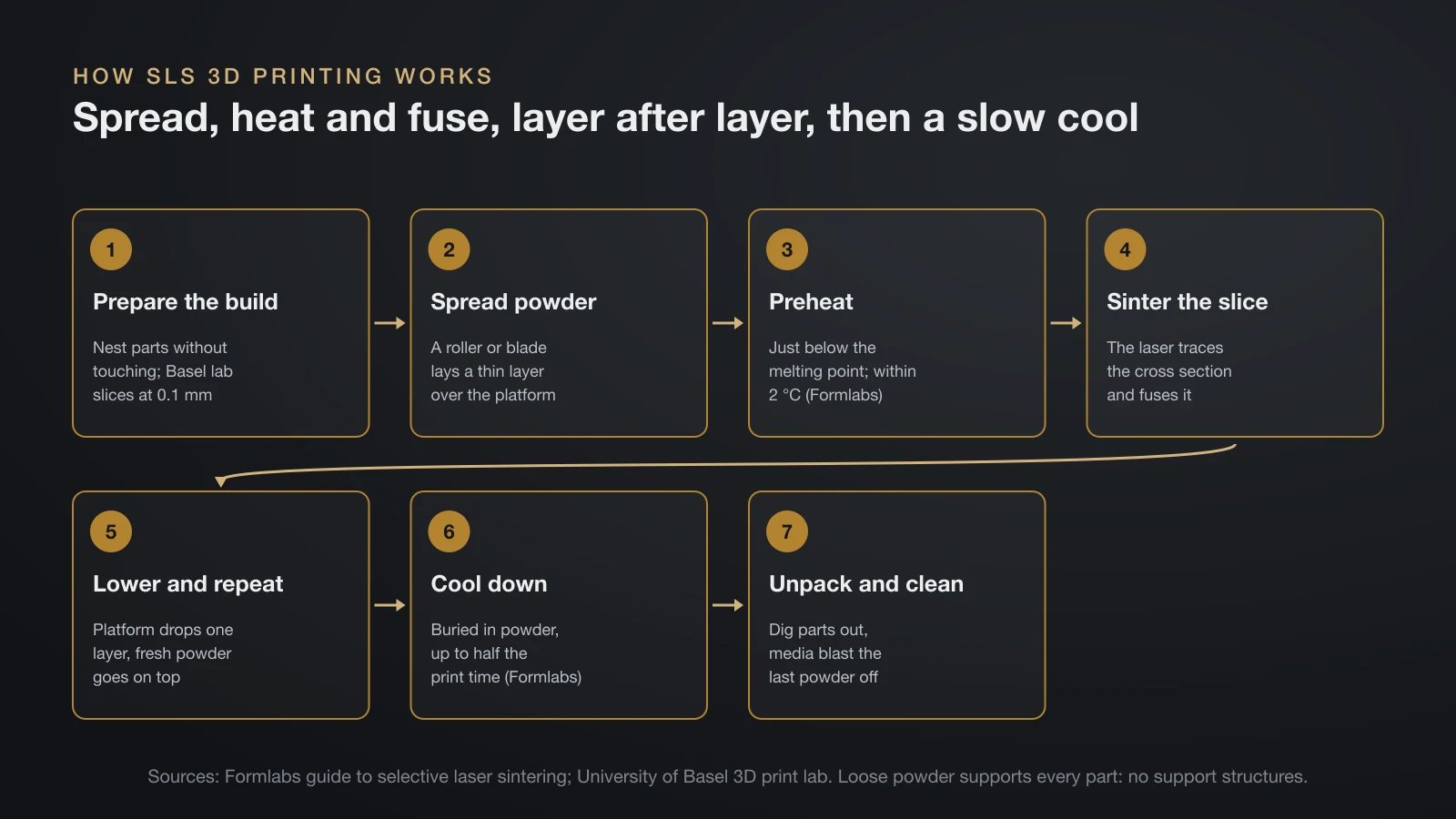
SLS 3D printing works by repeating a short cycle of spread, heat and fuse until the part is complete, then cooling the whole build slowly. Formlabs and the University of Basel’s 3D print lab describe the same sequence:
- Prepare the build: software packs the parts so they nest without touching and slices them; the Basel lab slices at 0.1 mm and scales parts up slightly to offset shrinkage.
- Spread powder: a roller or blade spreads a thin powder layer over the build platform.
- Preheat: the powder is held just below its melting point, so the laser only has to add a little energy. Formlabs says powder and parts must stay within 2 °C through preheating, sintering and storage.
- Sinter the slice: the laser traces the cross section, heating the powder to or just below its melting point so the particles fuse.
- Lower and repeat: the platform drops by one layer and fresh powder is spread on top.
- Cool down: the build cools slowly, still buried in powder, to limit warping. Formlabs says this can take up to half of the print time.
- Unpack and clean: parts are dug out of the powder, and media blasting removes the last powder from the surface.
Because loose powder surrounds every part, overhangs, interlocking pieces and internal channels print without the support structures that FDM and resin need.
How MJF (Multi Jet Fusion) works
HP Multi Jet Fusion (MJF) is a powder bed process that marks a whole layer with liquid agents and fuses it with heat, instead of tracing each part with a laser. HP describes it as a combination of powder bed fusion and binder jetting, built on its PageWide inkjet technology.
HP lists four steps per layer:
- A layer of powder is spread across the bed.
- Print heads deposit a fusing agent where the part should form and a detailing agent where edges and surrounding powder should be protected.
- Heat is applied to the bed, and the areas carrying fusing agent fuse.
- The fused layers cool and solidify into the part.
HP introduced MJF in 2016. Its Jet Fusion 5200 series lists six compatible powders, including PA 11, PA 12, a glass bead filled PA 12, polypropylene and a TPU.
SLS vs MJF: the differences that matter
SLS and MJF both make nylon parts from a powder bed without supports; the main differences are the energy source, how surplus powder is reused and how machines are sold. The table uses only what Formlabs and HP state for their own systems.
| SLS (laser sintering) | MJF (HP Multi Jet Fusion) | |
|---|---|---|
| How a layer fuses | A laser traces each cross section | Agents are jetted over the whole layer, then heat fuses it |
| Introduced | Mid-1980s, University of Texas at Austin | 2016, HP |
| Common powders | Nylon 12, nylon 11, filled nylons, TPU | PA 12, PA 11, PA 12 glass beads, polypropylene, TPU |
| Powder reuse | Used powder is refreshed with new powder; nitrogen lowers the refresh rate on Fuse 1+ 30W | Up to 100% surplus powder reuse with HP High Reusability PP (HP testing, May 2020) |
| Smallest systems | Benchtop Fuse 1+ 30W, from $24,649 | Industrial systems, sold by quote |
Formlabs notes that unfused SLS powder degrades slightly with heat, so it is mixed with fresh powder for the next build. Formlabs gives SLS and MJF parts the same accuracy, ±0.5% or 0.3 mm, whichever is larger, and our guide to 3D printing tolerances compares that with FDM and resin.
SLS materials: nylon 12, nylon 11, filled nylons and TPU
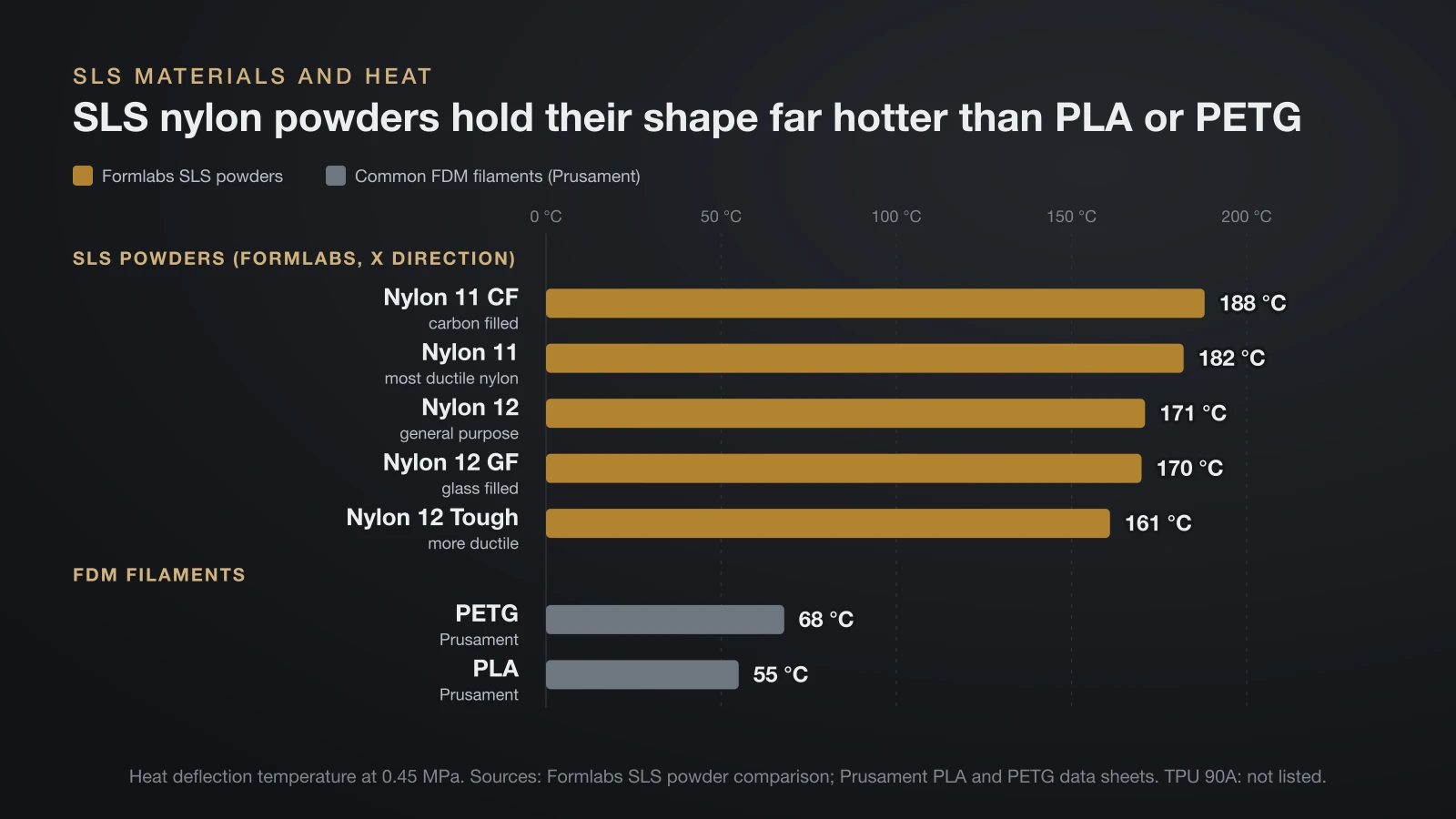
Nylon is the most common SLS material, and Formlabs’ Fuse powders show the usual range: two base nylons, glass and carbon filled versions, and a flexible TPU. All values below come from Formlabs’ powder comparison, measured in the X direction, with heat deflection at 0.45 MPa.
| Powder (Formlabs) | Tensile strength | Elongation at break | Heat deflection (0.45 MPa) | Character |
|---|---|---|---|---|
| Nylon 12 | 50 MPa | 11% | 171 °C | General purpose, stiff |
| Nylon 12 Tough | 42 MPa | 25% | 161 °C | More ductile, lowest refresh rate |
| Nylon 11 | 49 MPa | 40% | 182 °C | Most ductile nylon |
| Nylon 12 GF (glass filled) | 38 MPa | 4% | 170 °C | Stiffer: 2,800 MPa modulus |
| Nylon 11 CF (carbon filled) | 69 MPa | 9% | 188 °C | Stiffest: 5,300 MPa modulus |
| TPU 90A | 8.7 MPa | 310% | Not listed | Rubber-like, flexible |
Heat resistance is where SLS nylon pulls away from common filaments. At the same 0.45 MPa load, Prusament lists 55 °C for PLA and 68 °C for PETG, while every Formlabs nylon powder above sits between 161 and 188 °C. Formlabs also mentions polypropylene as a popular SLS material. If you print nylon at home, our nylon filament guide covers the FDM side, where moisture is the main fight.
Strengths and limits of SLS printing
SLS is strongest when you need many tough, functional nylon parts with complex shapes, and weakest on surface finish, turnaround time and the work of handling powder.
Strengths:
- Design freedom: undercuts, hinges, internal channels and assemblies print in place.
- Batch production: the Basel lab notes one build can hold hundreds of parts.
- Consistent properties: the Basel lab calls SLS parts near-isotropic, unlike FDM parts that are weakest between layers.
Limits:
- Surface: slightly grainy until tumbled, blasted, dyed or vapor smoothed.
- Time: long cooling means parts are rarely ready the same day.
- Powder handling: used powder must be sieved, mixed and stored, and the dust needs safety controls.
- Cost of entry: even benchtop systems cost tens of thousands of dollars.
SLS vs FDM vs resin
SLS, FDM and resin printers all build in layers, but they start from powder, solid filament and liquid resin, and that sets where each one fits. Most hobby users choose between FDM and resin, which our resin vs filament comparison covers in depth.
| SLS | FDM | Resin (SLA, MSLA) | |
|---|---|---|---|
| Raw material | Polymer powder | Filament on a spool | Liquid photopolymer |
| Supports | None | Needed for steep overhangs | Needed almost always |
| Build volume example | 165 × 165 × 300 mm (Formlabs Fuse 1+) | 250 × 210 × 220 mm (Prusa MK4S) | 127 × 80 × 150 mm (Prusa SL1S SPEED) |
| After printing | Depowder and blast | Remove supports | Wash and UV cure |
| Typical setting | Business benchtop or factory | Homes, schools, workshops | Desks with ventilation |
Benchtop SLS 3D printers and what they cost
Benchtop SLS 3D printers exist, but they are business equipment with published prices in the tens of thousands of dollars. Formlabs lists two Fuse models on its US site in October 2026, the benchtop Fuse 1+ 30W and the larger, industrial Fuse X1:
| Fuse 1+ 30W | Fuse X1 | |
|---|---|---|
| Hardware price (from) | $24,649 | $84,999 |
| Build volume | 165 × 165 × 300 mm (8.2 L) | 330 × 330 × 565 mm (61.5 L) |
| Laser | 30 W fiber laser | 120 W fiber laser |
| Atmosphere | Air or nitrogen | Nitrogen |
| Footprint | 4.8 sq ft | 12.2 sq ft |
| Build time (Formlabs) | Generally within 24 hours | 20–30 hours |
Formlabs prices its own powders from $99 per kilogram, with bulk prices as low as $45 per kilogram. It puts traditional industrial SLS systems at about $200,000 to $500,000 or more, with at least 10 m² of floor space and special HVAC and power needs. HP sells its Jet Fusion printers through sales consultations without public prices, and its own cost guide places enterprise and industrial printers at $100,000 and up.
SLS 3D printing cost: buy or use a print service?
For most people and small companies, SLS 3D printing means uploading a file to a print service and receiving a quote per part. Material, part volume, quantity and finishing set the price.
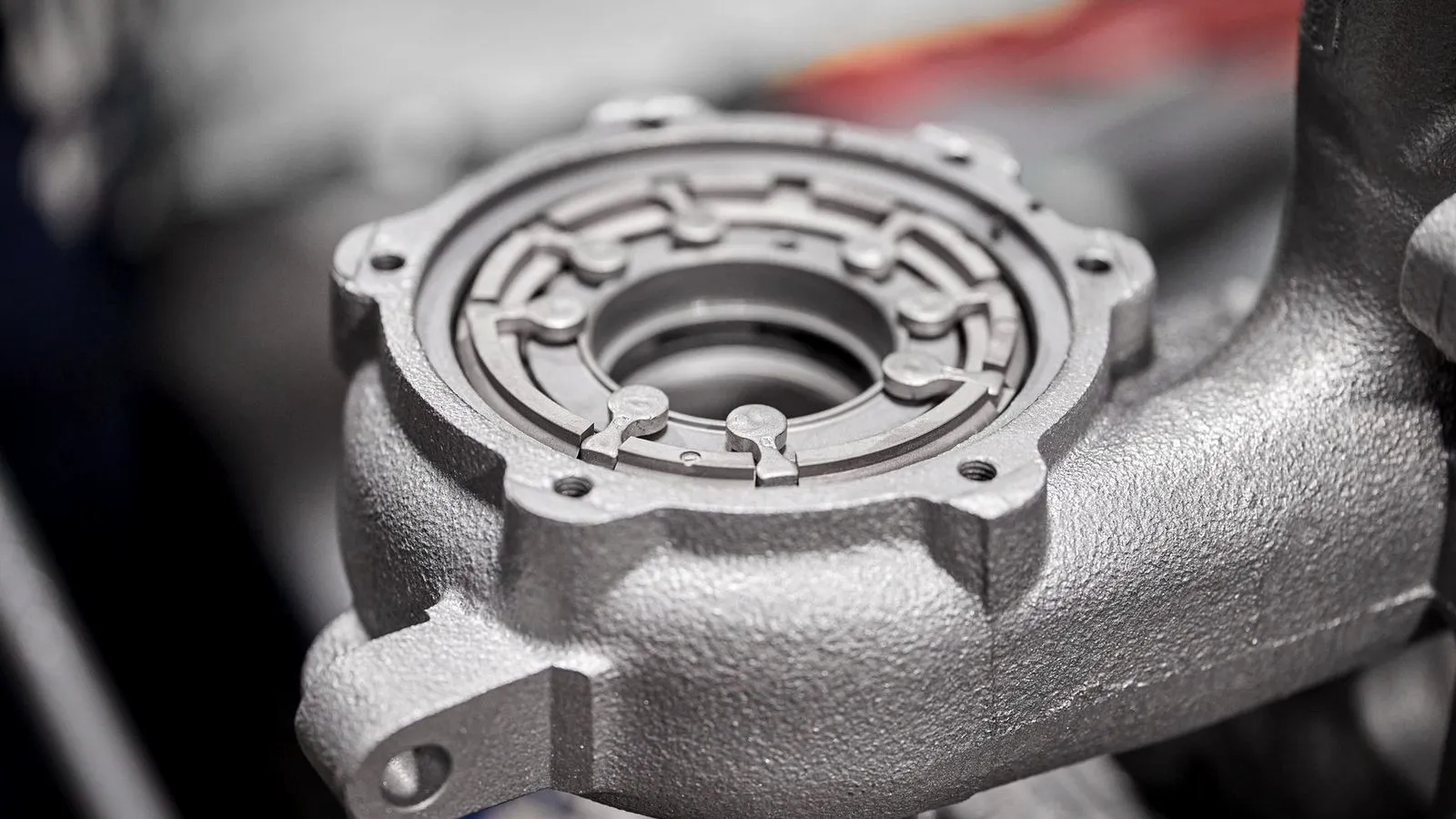
Owning a printer starts to make sense when you print often. In one Formlabs example, an automotive manifold cost $118.33 with a 7–10 day lead time from a service bureau, against $9.02 and 13 hours on a Fuse 1+ 30W; that comparison is the maker’s own and leaves out the printer, labor and powder handling. HP’s guide adds that outside suppliers can lower cost per part at low volumes but add lead time and shipping.
Ownership costs include the printer and a sifting and blasting station, fresh powder for every build, an operator (HP notes industrial printers typically need one) and facility needs such as ventilation and, for nitrogen setups, gas supply and oxygen monitoring.
Our guide to professional 3D printers compares SLS with professional FDM and resin systems, and the 3D printing cost guide explains what services charge for.
Is SLS powder safe? Combustible dust and handling
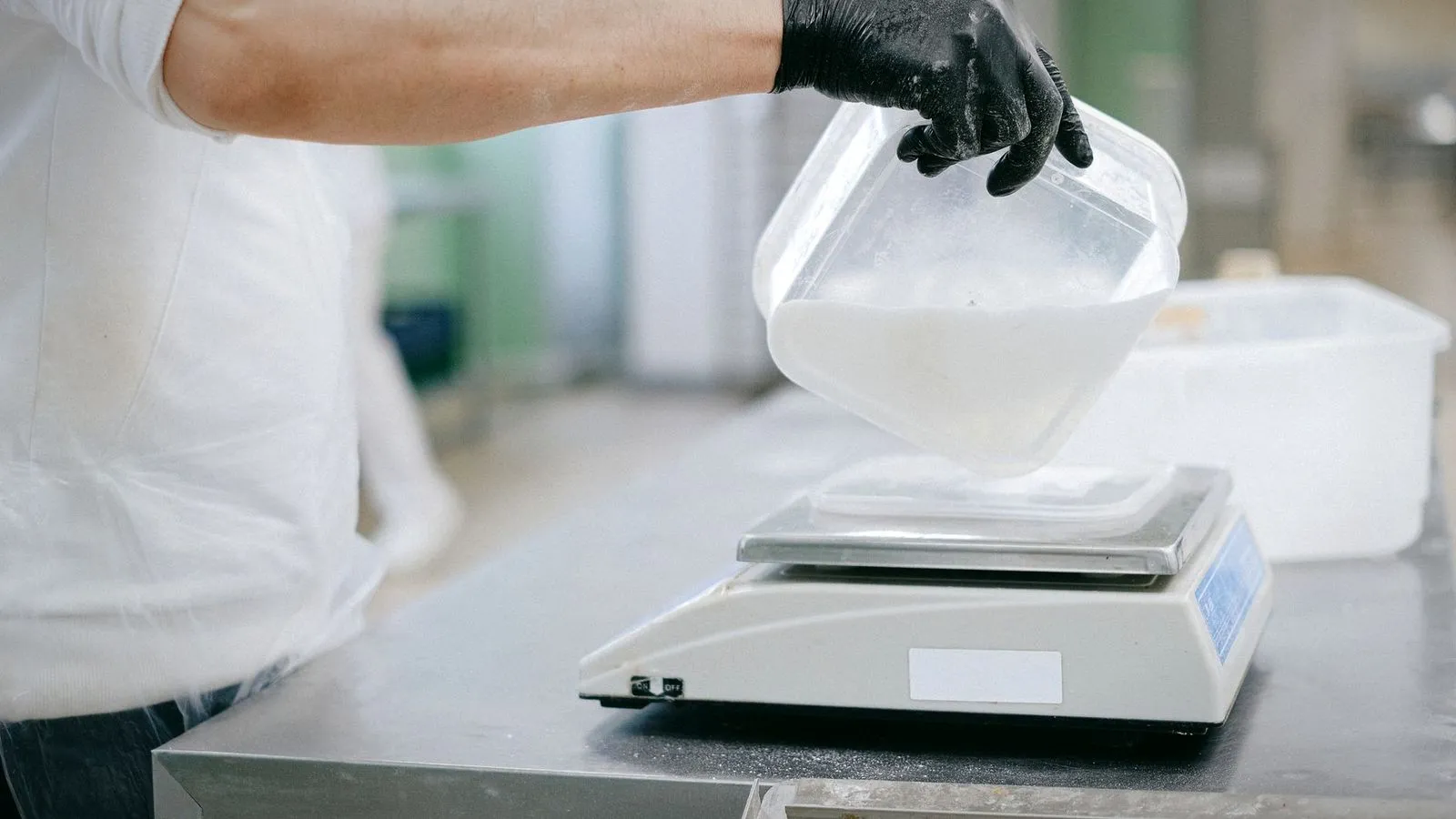
SLS nylon powder is safe to work with when it is contained and cleaned correctly, but fine plastic dust can burn or explode under the wrong conditions. OSHA lists plastics among the materials that can be explosible in dust form, and Formlabs says SLS powders, like flour or sawdust, can cause an explosion under certain conditions.
Formlabs’ safety guidance for its Fuse systems includes:
- Protective equipment: consider eye protection, impermeable gloves and a mask when handling powder, and follow the material’s safety data sheet when choosing a respirator.
- Housekeeping: avoid dispersing powder in the air, keep containers closed, and clean spills with electrically grounded vacuums approved for dust collection.
- Ignition: keep powder away from flames and other ignition sources; the printer enclosure is grounded against static sparks.
- Heat: the print enclosure runs at up to 200 °C (392 °F), so let the chamber cool to 45 °C (113 °F) or below before handling parts.
- Nitrogen: a nitrogen leak can lower room oxygen, and OSHA treats air below 19.5% oxygen as oxygen-deficient, so Formlabs calls for an oxygen monitor with an alarm in the printer room.
The bottom line
SLS 3D printing fuses nylon or TPU powder with a laser, needs no supports and turns out tough, heat-resistant parts in batches. HP’s MJF reaches a similar result with jetted agents and heat. The machines are business equipment from about $24,649 upward, and the powder needs real safety controls, so for occasional parts a print service is the simplest way in.
Sources
- Standards and university labs: ISO, ISO/ASTM 52900:2021 Additive manufacturing, general principles, fundamentals and vocabulary (powder bed fusion category) and University of Basel, Department of Biomedical Engineering, 3D print lab: SLS (process, 0.1 mm layers, batch size, near-isotropic parts)
- Formlabs, read October 2026: Guide to selective laser sintering (process, history, powder data, finishing, costs, manifold example), Guide to 3D printing tolerances (SLS and MJF accuracy), Fuse series (prices and specs) and Safety with Formlabs SLS products (PPE, housekeeping, heat, nitrogen)
- HP, read October 2026: MJF vs SLS (MJF process, powder reuse), Jet Fusion 5200 series (materials) and Industrial 3D printer costs (price tiers, operators, outsourcing)
- OSHA Combustible Dust: An Explosion Hazard (plastics among explosible dusts)
- Prusament data sheets: PLA and PETG (heat deflection 55 °C and 68 °C at 0.45 MPa); Prusa Research Original Prusa MK4S and SL1S SPEED (build volumes)