Resin vs filament comes down to detail versus practicality. A resin (MSLA) printer cures liquid photopolymer resin with UV light and prints much finer layers, which makes it the pick for miniatures and jewelry masters. A filament (FDM) printer melts plastic into bigger, tougher parts, needs little cleanup and is the better first 3D printer for most people.
The rest is trade-offs: resin brings chemicals, washing and curing, while filament brings visible layer lines. If figures are your main goal, our guide to 3D printed action figures shows how both printer types handle faces, joints and paint.
This comparison uses official printer specs, one maker’s data sheets for strength, and safety data from NIOSH and a resin safety data sheet, so the numbers line up.
The short answer
| Resin (MSLA) printer | Filament (FDM) printer | |
|---|---|---|
| Best for | Miniatures, busts, jewelry masters, small detailed models | Functional parts, large prints, props, everyday objects |
| Layer height (maker spec) | 0.025–0.1 mm (Prusa SL1S SPEED) | 0.05–0.30 mm (Prusa MK4S) |
| Build volume | Smaller: 127 × 80 × 150 mm (SL1S SPEED) | Larger: 250 × 210 × 220 mm (MK4S) |
| After printing | Wash, dry, UV cure, remove supports | Remove supports, optional sanding |
| Safety | Gloves, eye protection, ventilation; liquid resin is a skin sensitizer | Ventilation; emissions depend on the plastic and temperature |
| Beginner friendly | Less: chemical handling on every print | More: Prusa calls FDM the best choice for beginners |
How resin and filament 3D printers work
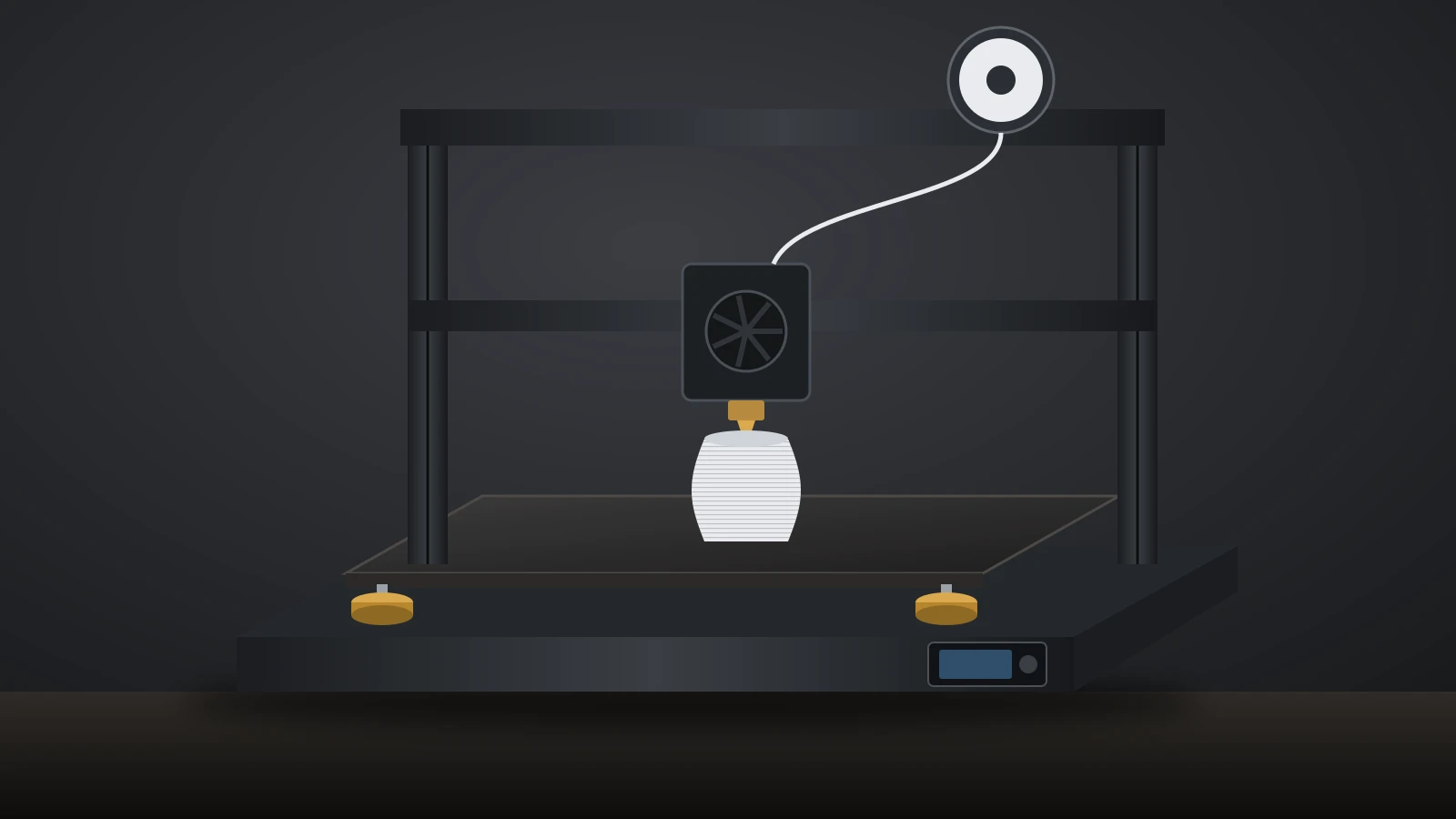
A filament printer melts a plastic strand and draws each layer with a hot nozzle, while a resin printer hardens liquid photopolymer one layer at a time with UV light.
Filament (FDM) printers
An FDM printer pushes a solid plastic filament through a hot nozzle and draws each layer as a series of lines. PLA, the most common filament, typically prints at 190–220 °C (374–428 °F), according to NIOSH, and more demanding plastics run hotter. For settings by brand, see our guide to PLA temperature.
Resin (SLA and MSLA) printers
A resin printer holds liquid photopolymer in a vat and hardens one layer at a time with UV light. NIOSH groups these machines as vat photopolymerization, which covers laser SLA, DLP and the LCD-based MSLA (masked SLA) printers common on desktops. Once cured, the resin is set for good: it cannot be remelted like filament.
Resin vs filament: detail and resolution
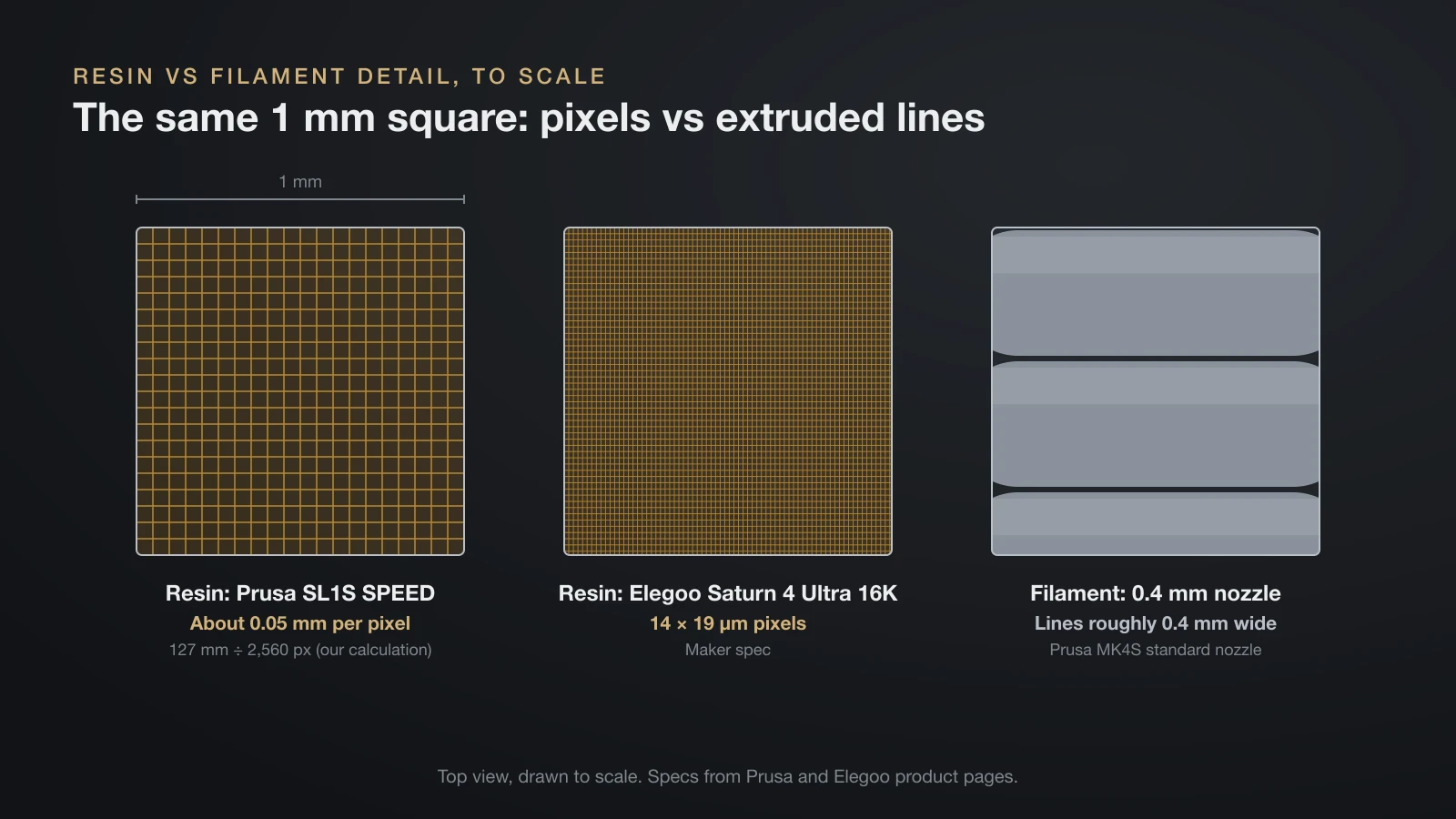
Resin printers capture far finer detail than filament printers, and that is resin’s biggest advantage. A resin printer draws each layer with the pixels of an LCD screen, so fine features are limited by pixel size. A filament printer draws with a nozzle, so its smallest features are limited by the width of the plastic line it lays down.
| Spec (from maker pages) | Resin (MSLA) | Filament (FDM) |
|---|---|---|
| Layer height | 0.025–0.1 mm (Prusa SL1S SPEED) | 0.05–0.30 mm (Prusa MK4S) |
| XY detail | 14 × 19 µm pixels (Elegoo Saturn 4 Ultra 16K) | Lines roughly as wide as the 0.4 mm nozzle (MK4S) |
| Screen or nozzle | 2560 × 1620 px screen (SL1S SPEED) | 0.4 mm nozzle as standard (MK4S) |
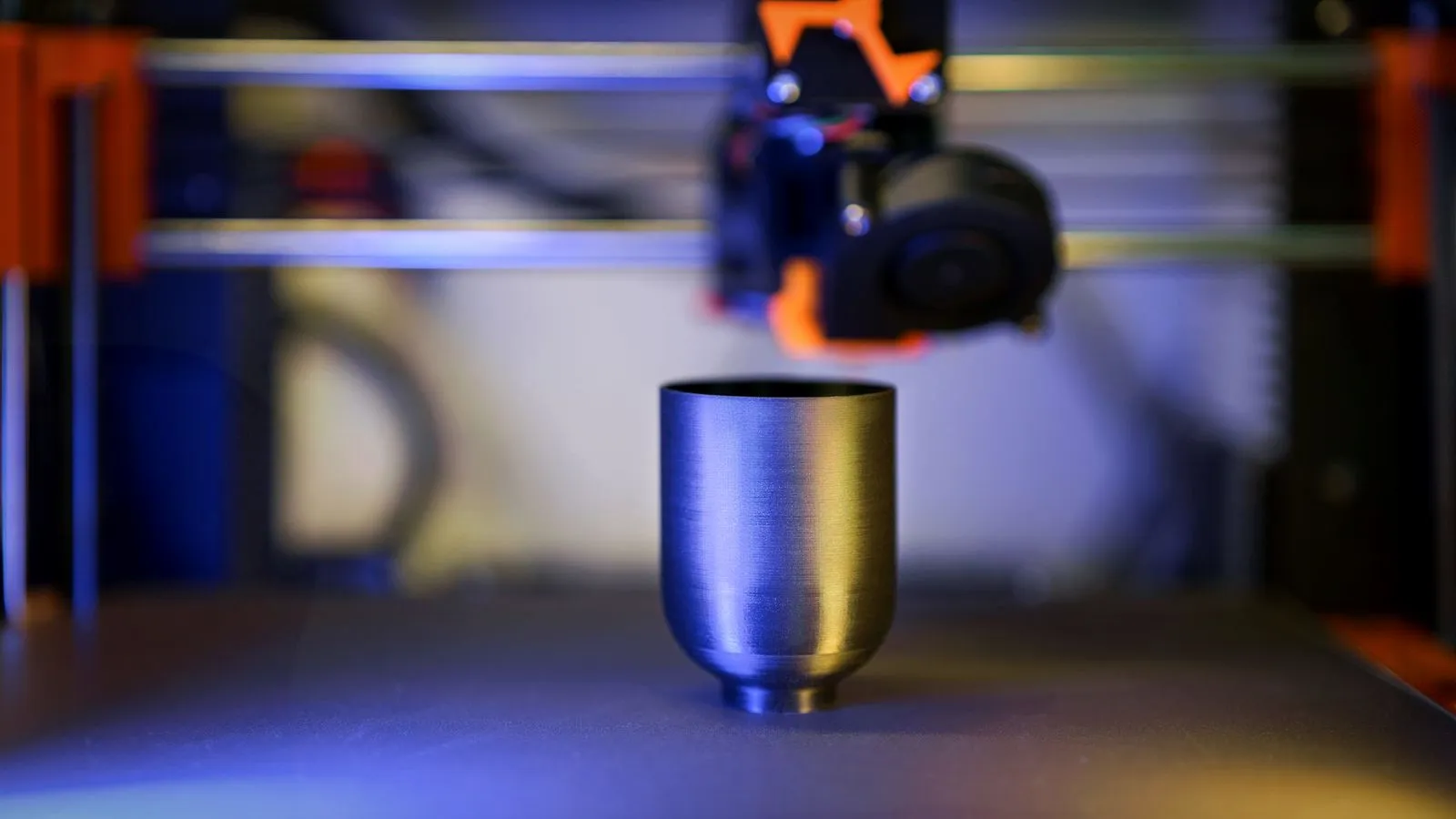
| Surface | Layer lines hard to see at arm’s length | Layer lines visible, especially on curves |
For the SL1S SPEED, dividing its 127 mm build width by 2,560 pixels gives about 0.05 mm per pixel (our calculation from Prusa’s specs). Either way, a resin printer draws with pixels several times smaller than a 0.4 mm filament line.
That gap matters most on small objects. A tabletop miniature’s face, fingers and chain mail are where resin wins. On a large vase or a desk bracket, the difference shrinks, and filament’s other strengths take over.
Build volume and print speed
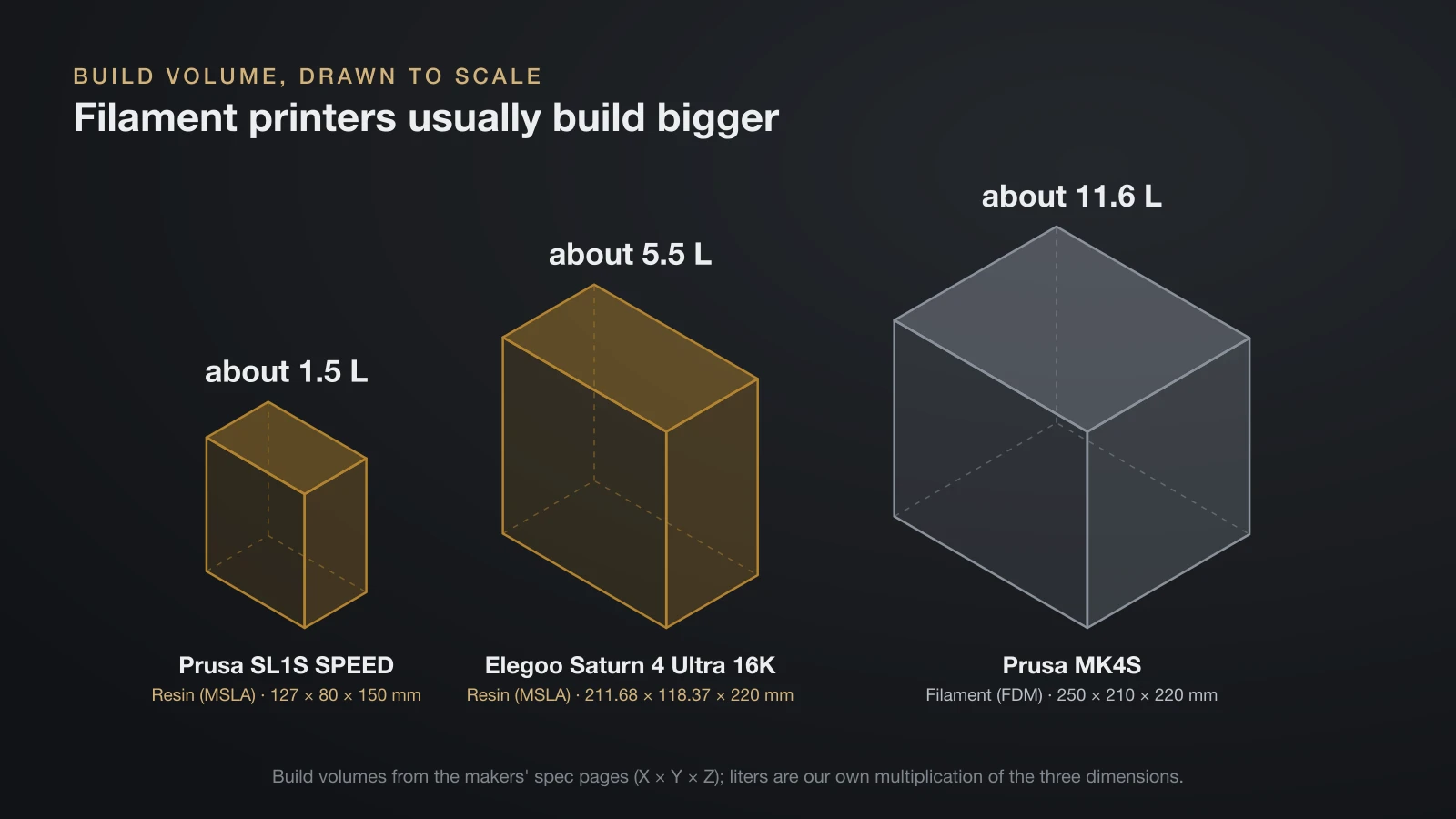
Filament printers usually offer a bigger build volume than resin printers, and which one prints faster depends on how many parts share the plate. The volumes below come from each maker’s spec page; the liter figures are our own multiplication of the three dimensions.
| Printer | Type | Build volume (maker spec) | Volume (calculated) |
|---|---|---|---|
| Prusa SL1S SPEED | Resin (MSLA) | 127 × 80 × 150 mm | about 1.5 L |
| Elegoo Saturn 4 Ultra 16K | Resin (MSLA) | 211.68 × 118.37 × 220 mm | about 5.5 L |
| Prusa MK4S | Filament (FDM) | 250 × 210 × 220 mm | about 11.6 L |
Speed works differently on each. An MSLA printer exposes a whole layer at once, so a plate full of miniatures takes about as long as a single one of the same height. Elegoo rates the Saturn 4 Ultra 16K at up to 150 mm per hour of height under its general settings. An FDM printer traces every part line by line, so each extra part adds time.
Resin prints also need washing and curing before they are done, while most filament prints are ready when the bed cools.
Strength and materials: which is stronger?
Neither resin nor filament is stronger outright: in Prusa’s data sheets, PLA and PETG filament beat Tough Resin on flat tensile strength and stiffness, while the cured resin takes a clean, unnotched impact better than PLA.
Strength depends on the exact resin or filament, so the fairest comparison uses one manufacturer testing its own materials with the same ISO methods. The table below uses Prusa’s data sheets for Prusament Tough Resin (cured) and Prusament PLA and PETG. Printers and settings differ between the tests, so treat it as a guide, not a ranking.
| Property (Prusa data sheets) | Tough Resin, cured | PLA | PETG |
|---|---|---|---|
| Tensile strength, flat specimen (ISO 527-1) | 41.6 MPa | 51 MPa (yield) | 47 MPa (yield) |
| Layer bond (Prusa interlayer adhesion test) | Not listed | 17 MPa | 18 MPa |
| Impact, Charpy unnotched (ISO 179-1) | 23.7 kJ/m² | 13 kJ/m² | No break |
| Impact, Charpy notched (ISO 179-1) | 1.97 kJ/m² | Not applicable | 6 kJ/m² |
| Stiffness, flexural modulus (ISO 178) | 1.11 GPa | 3.1 GPa | 1.7 GPa |
| Heat deflection (ISO 75, 0.45 MPa) | 55 °C (131 °F) | 55 °C (131 °F) | 68 °C (154 °F) |
Three things stand out. Filament parts are strong along their layers but much weaker between them. This resin handles a clean impact well, but its low notched value means a scratch or sharp inside corner can start a crack. And PETG is the toughest of the three and the most heat resistant.
Material choice is where filament pulls further ahead for functional parts. FDM printers run PLA, PETG, TPU and, with an enclosure, ABS, ASA and nylon; Prusa lists all of these for the MK4S. Resin makers sell tough, flexible and castable blends, but for parts that live outdoors or near heat, PETG and ASA filament are the practical picks.
Post-processing: what happens after the print
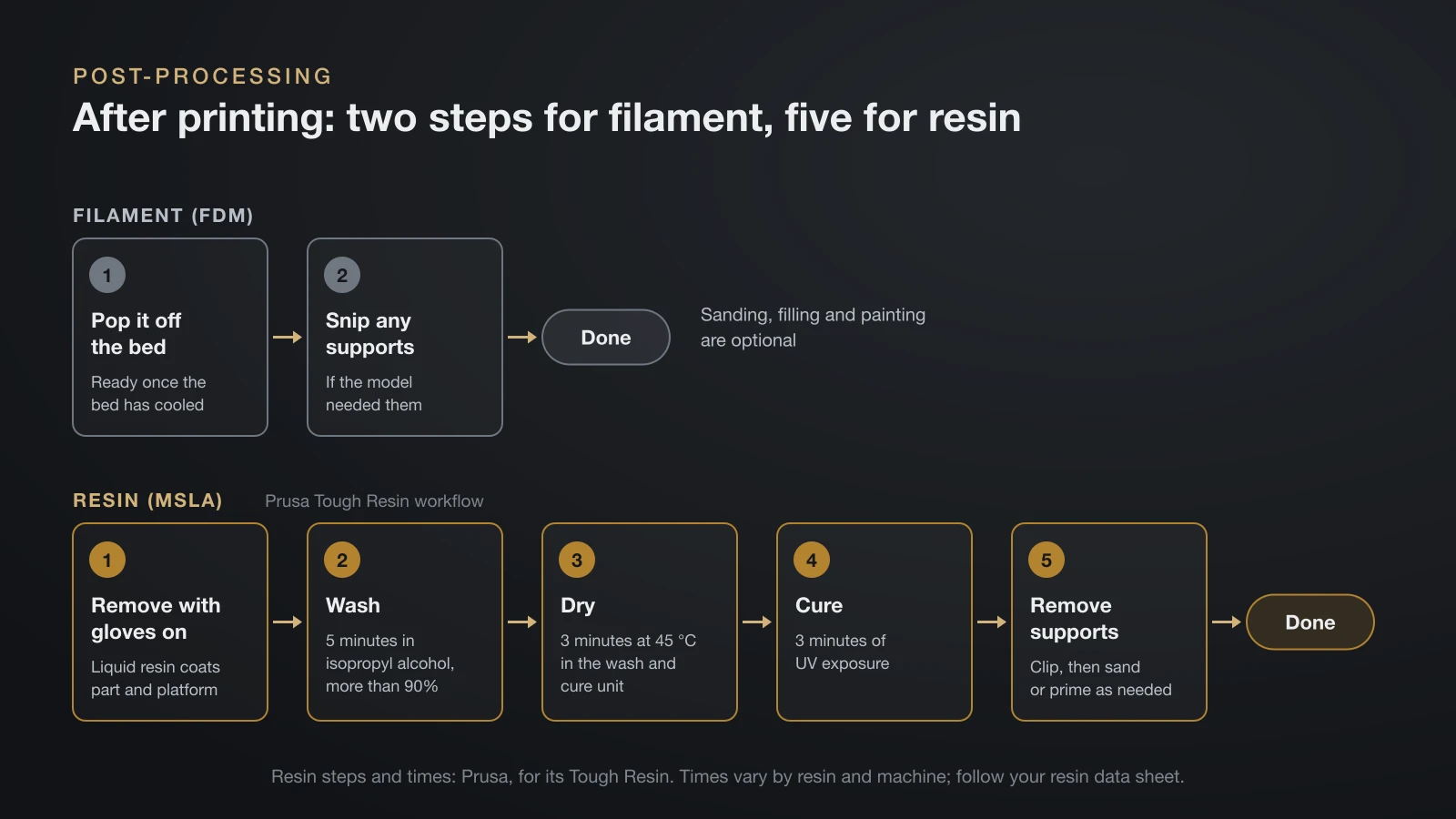
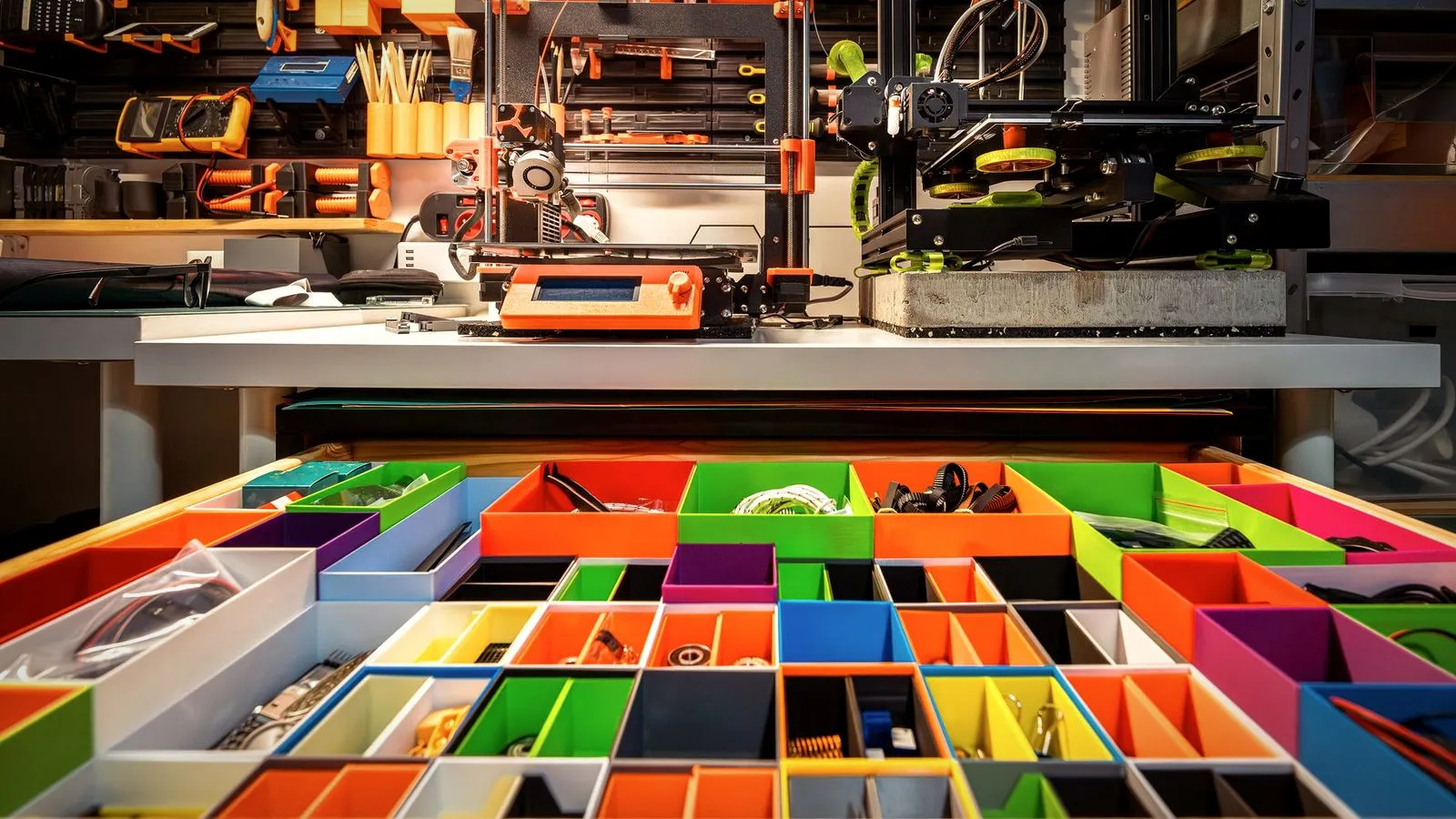
A filament print is usually finished once you pop it off the bed and snip any supports. Sanding, filling and painting are optional, the same as for resin; our guide on how to paint 3D prints covers both.
A resin print needs cleanup every time. Prusa’s recommended workflow for its Tough Resin looks like this:
- Remove the part with gloves on: liquid resin coats the part and the build platform.
- Wash: 5 minutes in isopropyl alcohol of more than 90% purity.
- Dry: 3 minutes at 45 °C (113 °F) in Prusa’s wash and cure unit.
- Cure: 3 minutes of UV exposure to finish hardening the part.
- Remove supports and finish: clip the supports, then sand or prime as needed.
Times vary by resin and machine, so follow the data sheet for the resin you use. Prusa also warns that some gloves can be partly dissolved by isopropyl alcohol or resin chemicals, so treat disposable gloves as single-use.
Safety: resin handling vs filament fumes
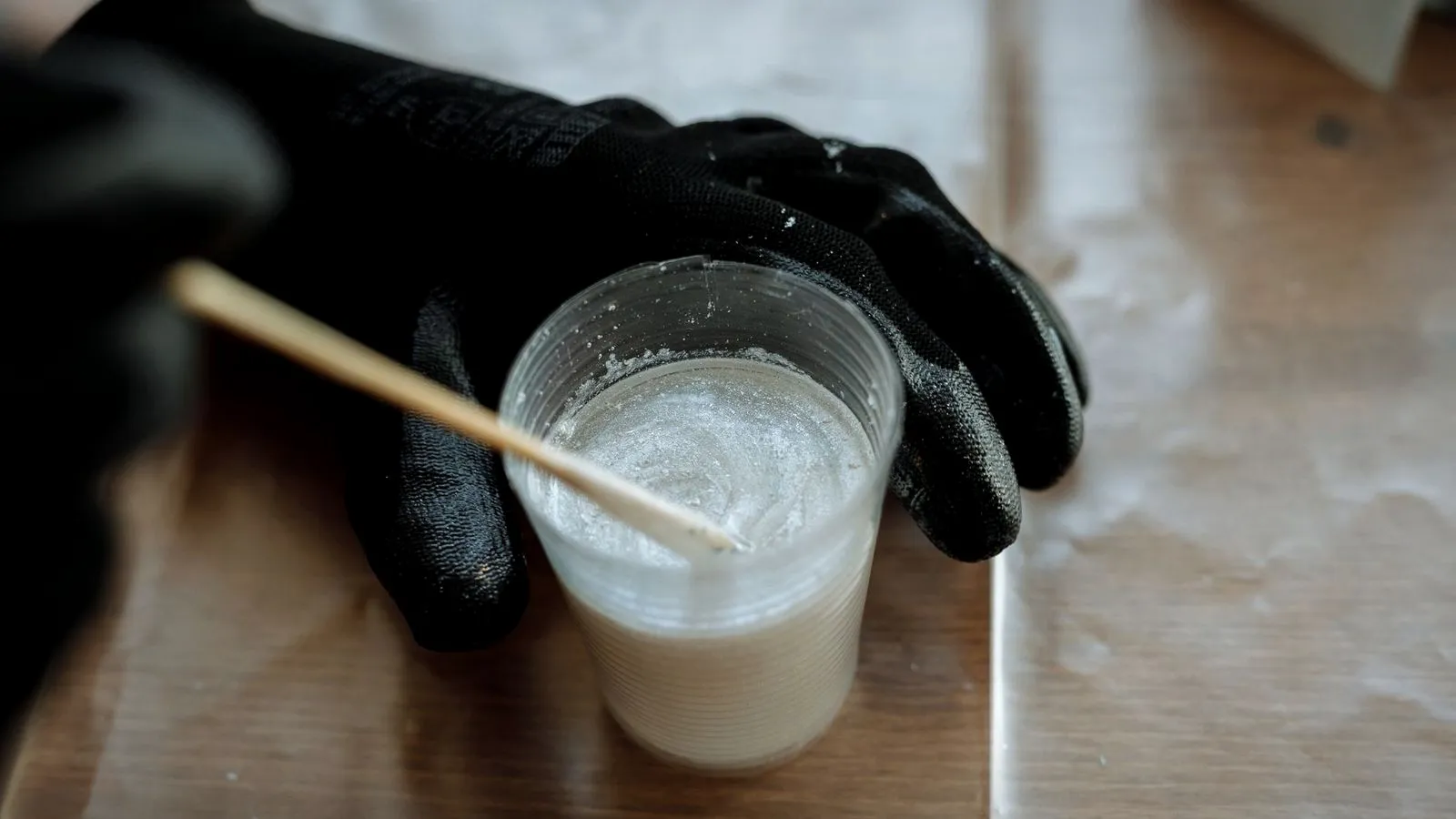
Both printer types release emissions, but resin adds a skin and eye hazard that filament does not have. NIOSH notes that some chemicals in liquid resins may cause skin irritation or sensitization.
The safety data sheet for Formlabs Model V3 Resin, a methacrylate-based resin, lists these hazards:
- H317: may cause an allergic skin reaction.
- H315 and H319: causes skin irritation and serious eye irritation.
- H335: may cause respiratory irritation.
- H411: toxic to aquatic life with long-lasting effects, so it must never go down the drain.
For resin, that means nitrile or other chemical-resistant gloves, eye protection when pouring resin or handling solvents (both NIOSH recommendations) and a well-ventilated room. Prusa adds that some people become allergic to resin and should stop printing and see a doctor if itching or a rash appears.
Prusa also says liquid resin and resin bottles must never go into regular trash. Store resin in opaque bottles at 18–32 °C (64–90 °F), because light cures it and cold thickens it.
Filament has its own emissions. NIOSH says heated plastics release ultrafine particles (smaller than 100 nm) and volatile organic compounds, and that emissions depend on the material and extruder temperature. It also cites a study in which resin printers released particles and organic vapors at levels similar to or above other 3D printing processes.
Printing at the lowest temperature that works helps, and ABS or ASA are best printed in an enclosed 3D printer with filtration or venting. Prusa’s own buying guide says resin printing, with its mandatory ventilation and messy washes, suits a workshop better than a home office.
Running costs: consumables for resin and filament
Prices change too often to list, but what each printer uses up is predictable. Resin printers simply have more to replace.
| Consumable | Resin (MSLA) | Filament (FDM) |
|---|---|---|
| Print material | Resin bottles | Filament spools |
| Cleaning | Isopropyl alcohol or resin cleaner | None for most prints |
| Protective gear | Disposable gloves, eye protection, paper towels | Usually none |
| Wear parts | FEP film in the vat (a consumable, per Prusa); LCD screen (Prusa rates the SL1S display for 2,000 hours) | Nozzles, especially with abrasive filaments; build plate surface |
| Waste | Liquid resin and used alcohol go to hazardous waste collection | Failed prints and supports are plastic scrap |
| Common extras | Wash and cure station | Enclosure and filter for ABS or ASA |
On an FDM printer, the build surface is the main wear item after nozzles; our guide to the 3D printer build plate covers the options. If price is the deciding factor, a used 3D printer can cut the upfront cost, but check resin machines carefully for a worn screen or damaged vat.
Resin or filament printer: which should you choose?
Pick the printer for the prints you will make most often. This table covers the common cases.
| If you mainly want to print… | Choose | Why |
|---|---|---|
| Tabletop miniatures and busts | Resin | Finest layers and pixels; faces and small details stay sharp |
| Jewelry masters and small scale models | Resin | Prusa names jewelry prototypes and dental models as resin work |
| Brackets, clips, tools and household fixes | Filament | Tougher materials, bigger parts, no chemicals |
| Cosplay helmets and large props | Filament | Bigger build volume; parts are easy to glue, sand and paint |
| Parts for outdoors or warm places | Filament | PETG and ASA handle more heat than standard resin |
| Your first printer, a shared home or kids nearby | Filament | No liquid chemicals to handle on every print |
| Painted display art and sculpture | Either | Resin for small pieces, filament for large ones |
Many makers end up owning both: a filament printer for everyday parts and a resin printer for the small pieces that need fine detail. Our guide to 3D printed art shows where each type fits for sculptures, vases and wall art.
The bottom line
Choose a resin printer if small, highly detailed models are the main reason you want a printer and you have a ventilated space for washing and curing. Choose a filament printer for functional parts, large prints, outdoor use or your first machine. If you print both miniatures and useful parts, start with filament and add resin later.
Sources
- Prusa Research: Original Prusa SL1S SPEED and Original Prusa MK4S specifications, How to choose a 3D printer, Prusa Knowledge Base Resins and FEP film replacement, and the Prusa blog on resins and safety (layer heights, build volumes, 2560 × 1620 px screen, 0.4 mm nozzle, supported materials, 2,000-hour display life, beginner and resin use cases, gloves, ventilation, allergy, storage at 18–32 °C, disposal, FEP film as a consumable, gloves dissolved by isopropyl alcohol)
- Prusament technical data sheets: Tough Resin, PLA and PETG (tensile, interlayer adhesion, Charpy impact, flexural modulus, heat deflection at 0.45 MPa; wash 5 minutes in isopropyl alcohol above 90%, dry 3 minutes at 45 °C, cure 3 minutes; not for food contact)
- Elegoo: Saturn 4 Ultra 16K product page (14 × 19 µm XY resolution, 211.68 × 118.37 × 220 mm build volume, up to 150 mm/h)
- Formlabs: Model V3 Resin safety data sheet (H317, H315, H319, H335, H411; gloves, eye protection, ventilation, no discharge to wastewater)
- NIOSH (CDC): Approaches to Safe 3D Printing, publication 2024-103 (FFF and vat photopolymerization processes, PLA at 190–220 °C, isopropanol wash and UV post-cure, skin sensitization, ultrafine particles under 100 nm and VOCs, resin printer emissions, nitrile gloves, eye protection)