3D printed art is sculpture, relief wall art, vases, lithophanes, generative forms and kinetic pieces made on a 3D printer. Most of it prints in PLA on a filament (FDM) printer, often in silk, marble or wood-filled blends, while resin printers handle the finest small detail. The model, the material and the finish decide how good it looks.
If you want quick decor projects rather than a full guide, the art and decor section of our 3D print ideas list is a good place to start. This guide goes deeper: the main art forms, where to find printable files, which materials suit them, how artists create their models, and the print settings that make art prints look finished.
The short answer
| Art form | Printer and material | Key tip |
|---|---|---|
| Sculpture and busts | Filament in PLA; resin for small, detailed pieces | Use organic supports and turn the seam to the back |
| Relief and wall art | Filament in PLA, often several colors | Print flat; change colors at set layers for depth |
| Vases and vessels | Filament in spiral vase mode, often silk PLA | Single continuous wall, one object per print |
| Lithophanes | Filament in white PLA | The image appears only when lit from behind |
| Generative and parametric art | Filament in any PLA | Model in code or node-based tools |
| Multicolor art | Multi-color printer or manual filament swaps | Plan colors by layer or by region |
| Kinetic art | PLA or PETG | Print and test moving parts before the frame |
Types of 3D printed art
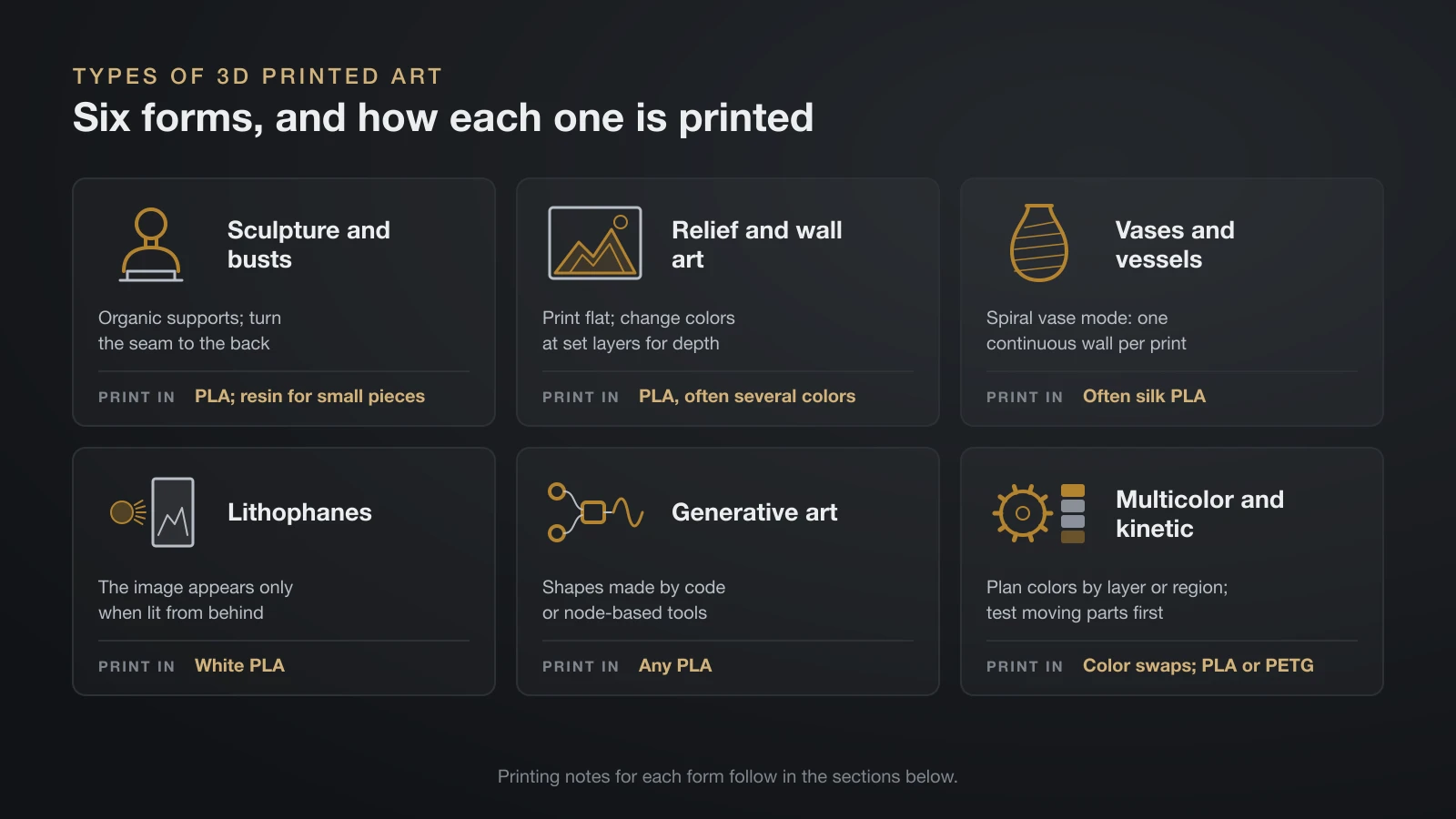
3D printed art falls into six main forms: sculpture, relief and wall art, spiral vases, lithophanes, generative art, and multicolor or kinetic pieces. Each form favors a different printer, material and print setting, as the sections below show.
Sculpture and busts
Sculpture is the most common form: figures, busts, abstract forms and scaled copies of famous works. Small, detailed pieces suit a resin printer, while larger sculptures print well in PLA and can be split into parts that are glued and finished. Our resin vs filament comparison explains where each printer type wins.
Relief and wall art
Relief art stands out from a flat back, so it prints lying flat with no supports. Layered wall art stacks colors: the printer switches filament at set heights, and each color becomes a depth level in the picture. Geometric panels that tile across a wall are popular because each tile is a short, simple print.
Vases in spiral vase mode
Spiral vase mode prints one continuous outline while raising the nozzle gradually, instead of finishing each layer and stepping up. Prusa explains that this removes the layer-change seam that a normal single-wall print leaves up the side, apart from the solid bottom layers. The trade-offs: the model must be a solid shape, only one object can print at a time, and the result is a single thin wall.
With clear PLA, vase mode also hides infill, since a single wall leaves nothing inside to see through.
Lithophanes
A lithophane is a thin panel whose thickness varies so a photo appears when light shines through it. Thick areas block light and look dark, thin areas glow. Some slicers convert an image straight into a lithophane; our guide on how to edit STL files shows the settings.
Generative and parametric art
Generative pieces come from rules rather than hand sculpting: a script or a node graph builds the shape, and changing one value produces a new variation. OpenSCAD, which describes itself as “The Programmers Solid 3D CAD Modeller,” builds models entirely from code, and node-based tools do the same visually. The results suit printing because they are precise, repeatable and easy to resize.
Multicolor and kinetic art
Multicolor prints use a printer that switches filaments automatically, or manual filament swaps at chosen layers. Our guide to multi-color 3D printers covers the machines and the purge waste they create. Kinetic art adds movement: gears, spinners and balancing forms, often printed in place so the parts come off the bed already assembled.
Where to find printable art files
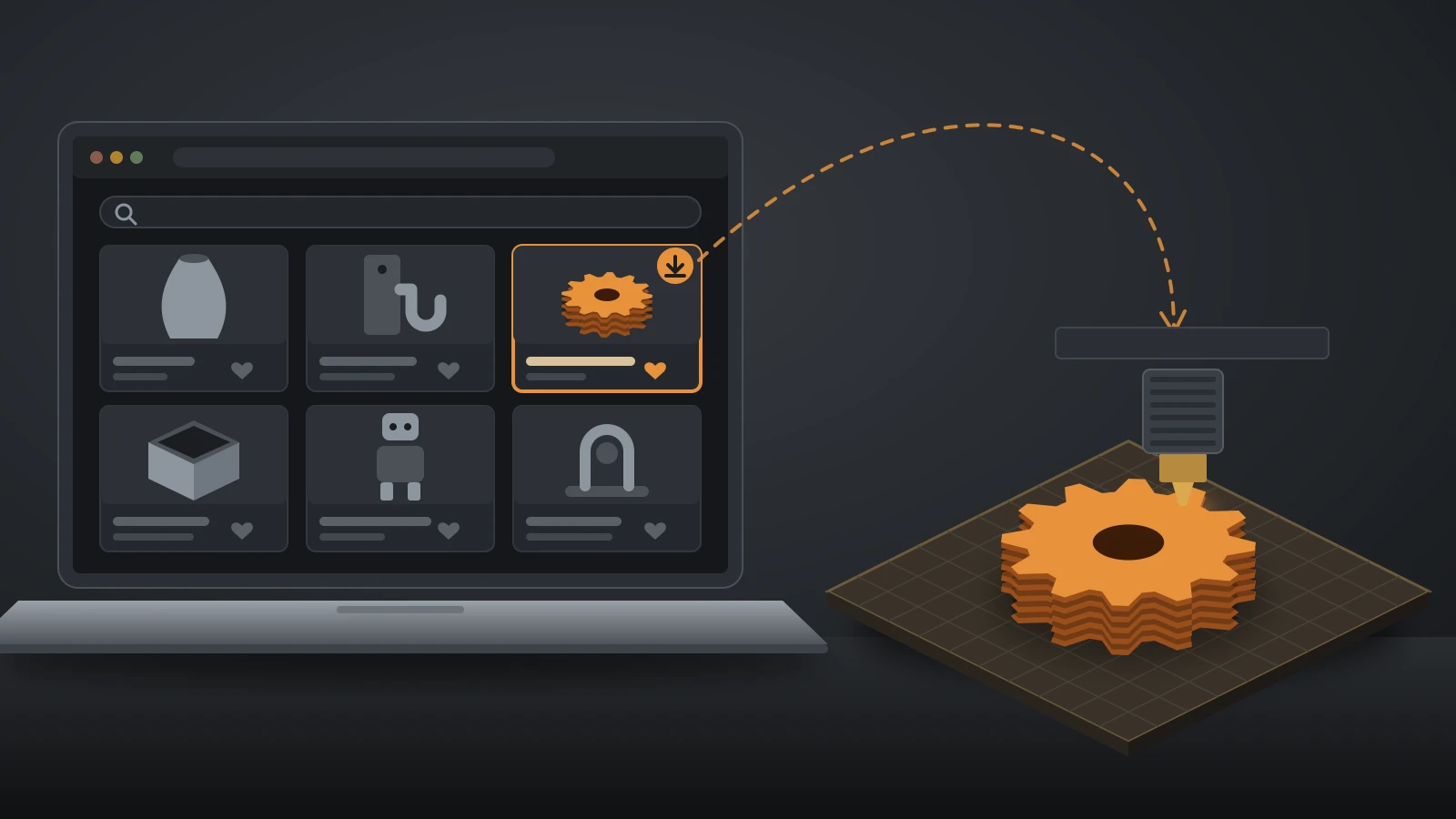
Most printable 3D art comes from model libraries such as Printables, MakerWorld, Thingiverse and Cults, plus artists who sell their own files. Search by form, such as “wall art”, “spiral vase” or “lithophane”, and favor models with many user prints and photos. Museums publish free scans of real sculptures too; the Smithsonian section below explains the rules.
Check each file’s license before you print copies to sell or give away, and support the designers whose work you print often.
Materials and finishes for 3D printed art
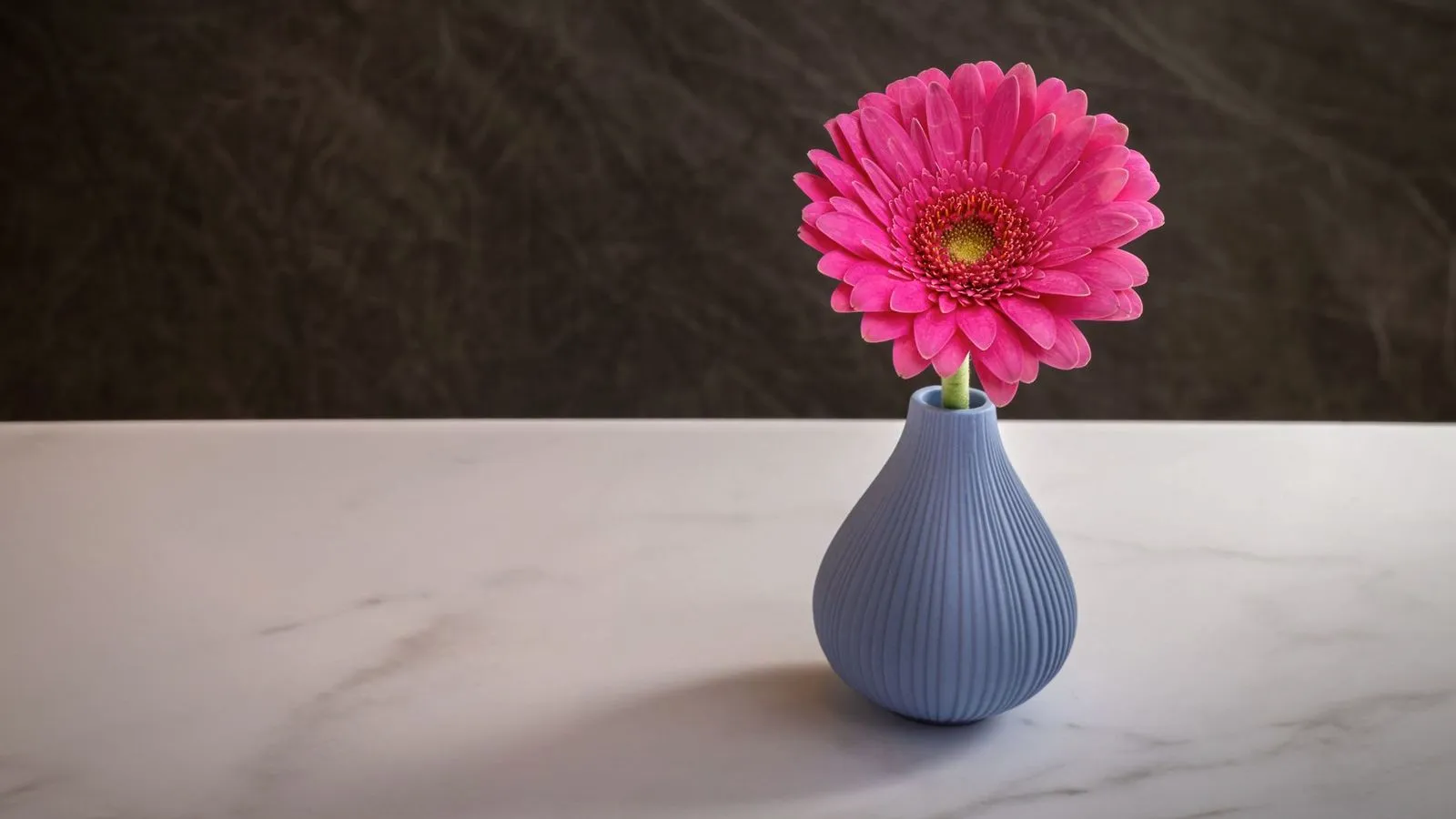
The same model can look like cheap plastic or a gallery piece depending on the material and the finish. These are the common choices for art prints.
| Material | Look | Printing notes |
|---|---|---|
| Standard or matte PLA | Plain color, takes paint well | Easiest to print; keep out of heat and strong sun |
| Silk PLA | Glossy, metallic sheen | Slow outer walls; weaker between layers than standard PLA |
| Marble, wood and sparkle PLA | Stone, wood grain or glitter effect | Filled with particles; avoid 0.2 mm nozzles |
| Resin | Smooth, finest detail | Wash and UV cure every print; small build volume |
| Any print, painted | Whatever you choose | Needs sanding and primer first |
Silk PLA
Bambu Lab makes its silk PLA by adding pearlescent additives to standard PLA, and it recommends printing the outer walls at 40–60 mm/s, because slower walls level out and shine more. The sheen shows on walls, not on top surfaces, so orient the main display surface upright.
Silk has a strength cost. Bambu Lab rates its silk PLA at about 65% of PLA Basic’s strength between layers, with a Z-direction impact strength of 8.5 kJ/m² versus 13.8 kJ/m² for PLA Basic. That rarely matters for a vase, but thin, delicate parts break more easily.
Marble, wood and other filled PLAs
Filled filaments carry particles that create the effect. Bambu Lab lists its Marble, Wood, Galaxy and Sparkle PLAs as compatible with all standard nozzles except the 0.2 mm size, and it warns that PLA Wood is highly hygroscopic. Dry wood PLA before printing; Bambu Lab’s guide gives 55 °C (131 °F) for 8 hours in a convection oven.
Paint and resin
Painting gives you full control over color and hides layer lines once the surface is sanded and primed. Our step-by-step guide on how to paint 3D prints covers grits, primers and paints for PLA and resin. Resin prints need less sanding but must be washed and cured before any finishing.
How artists make 3D models for printing
Printable art starts as a 3D model, and artists use different tools depending on the style. Organic shapes are sculpted, precise patterns are coded or drawn in CAD, and real objects are scanned.
Digital sculpting
Sculpting software works like digital clay: you push, pull, pinch and smooth a surface with brushes. Blender, the free and open source 3D suite, includes a full sculpt mode with dynamic topology, which adds and removes detail on the fly as you sculpt. ZBrush from Maxon is the long-standing professional sculpting tool, and tablet apps such as Nomad Sculpt let artists sculpt with a stylus.
3D scanning and photogrammetry
Scanning captures an existing object or person. A 3D scanner measures the surface directly, while photogrammetry rebuilds a model from many overlapping photos taken all around the subject. Scans usually need cleanup before printing: filling holes, making the mesh watertight and adding a flat base.
CAD and parametric design
Geometric art, wall tiles and anything that must fit a frame are easier in CAD, where every dimension is a number you can change. Our guide on how to make 3D models for printing covers CAD basics and design rules, such as wall thickness and overhangs, that apply to art prints too.
Printing museum sculptures: Smithsonian Open Access
Museums publish scans of real artworks and artifacts. The Smithsonian releases millions of digital assets, including 3D models, through its Open Access program, dedicated to the public domain under Creative Commons Zero (CC0). Its 3D models download in glTF, GLB and OBJ formats.
Under CC0, you may use those models for art projects and even commercial products without asking permission. The Smithsonian notes that CC0 only covers its own copyright: items marked “usage conditions apply” are not for commercial use, and its names and logos are not part of the release.
Printing tips for 3D printed art
Art prints are judged by their surface, so the settings that matter are the ones that affect what you see.
- Layer height: thinner layers smooth curves and faces. Prusa lists 0.05–0.30 mm for its MK4S filament printer and 0.025–0.1 mm for its SL1S SPEED resin printer.
- Variable layer height: PrusaSlicer can print thin layers only where the surface curves and thicker ones on flat or hidden areas, which Prusa says can shorten print times significantly with minimal loss of quality.
- Supports: organic supports, Prusa’s evolution of tree supports, are easy to remove and designed not to scar the surface. Orient the model so supports touch the back or underside.
- Seams: every layer starts and ends somewhere. PrusaSlicer’s Rear setting places the seam toward the back of the bed, Random scatters it on round shapes, and the seam painting tool lets you place it by hand.
- Orientation: put the face or main display surface where it prints cleanest, usually as a wall rather than a top or supported surface.
- Big pieces: split large sculptures into parts that fit the bed and join them with pins or glue, then fill and sand the joints before painting.
Displaying and selling 3D printed art
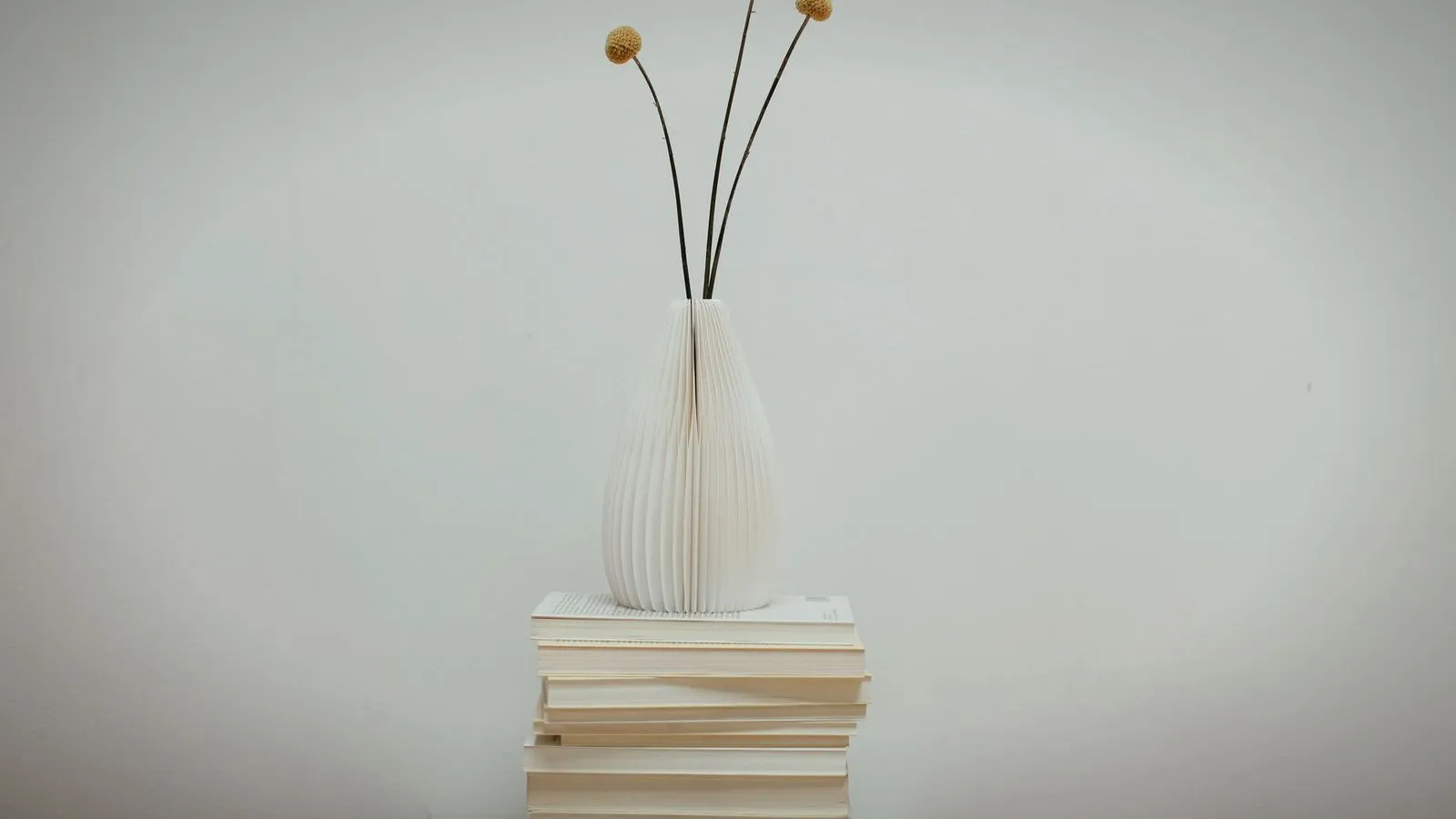
Display PLA art indoors, away from heaters and strong sun. Prusament notes that PLA parts start to lose mechanical strength above 60 °C (140 °F) and that PLA has low UV resistance, so a sunny windowsill or a hot car can warp or fade a piece.
For outdoor installations, a weather-resistant filament such as ASA is a better base; our ASA filament guide covers its print settings.
If you plan to sell your 3D prints, the rights question comes first:
- Your own designs: yours to print and sell, including editions and commissions.
- Downloaded models: follow the license; Creative Commons NonCommercial licenses forbid selling prints.
- CC0 museum scans: the Smithsonian allows commercial use of CC0 assets, but not its names or logos.
- Characters and brands: fan art of copyrighted characters or logos needs permission before you sell it.
Describe each piece honestly, including the material and whether it is painted, so buyers know what they are getting.
The bottom line
3D printed art ranges from spiral-mode vases and layered wall art to sculptures scanned from museum collections. PLA on a filament printer covers most of it, with silk, marble and wood blends for effect and resin for small, detailed pieces. Fine layers, organic supports and a hidden seam make prints look finished, and paint takes them further. Check the license on every model you did not make yourself, especially before you sell.
Sources
- Prusa Knowledge Base: Layers and perimeters (spiral vase mode), Seam position, Variable layer height and Organic supports (continuous outline, one object at a time, solid models; Rear, Random and seam painting; shorter print times; supports that do not scar the surface)
- Prusa Research: Original Prusa MK4S and SL1S SPEED specifications (layer heights 0.05–0.30 mm and 0.025–0.1 mm) and Prusament PLA (strength loss above 60 °C, low UV resistance)
- Bambu Lab Wiki: PLA usage guide and PLA Silk printing guide (pearlescent additives, outer walls 40–60 mm/s, display surface upright, about 65% interlayer strength, impact 8.5 vs 13.8 kJ/m², filled PLAs not for 0.2 mm nozzles, PLA Wood drying at 55 °C for 8 hours)
- Smithsonian Institution: Open Access FAQ (CC0 dedication, 3D models in glTF, GLB and OBJ, commercial use of CC0 assets, usage conditions, names and logos excluded)
- Software makers: Blender sculpting (free and open source, dynamic topology) and OpenSCAD (script-based solid modeller)